-
 Popcorn Time, the 'Netflix for Pirates', Returns Amid Coronavirus Outbreak18 March 2020
 -
New Ransomware Offers Free Decryption Key to Victims if They Infect Others12 December 2016
-
Popcorn Time, Netflix for Torrents, Is Back From the Dead26 February 2016
-
You Can Now Stream Movies, TV Shows on The Pirate Bay8 February 2016
-
YTS, Popcorn Time Shut Down by Courts5 November 2015
- Home
- Laptops
- Laptops News
- Popcorn Time Updater Flaw Put Up to 350,000 Macs at Risk, Researchers Warn
Popcorn Time Updater Flaw Put Up to 350,000 Macs at Risk, Researchers Warn
The flaw stemmed from an updater that downloaded files without verifying their digital signatures and used unencrypted connections.
Written by Sucharita Ganguly, Edited by Rohan Pal | Updated: 30 October 2026 11:47 IST
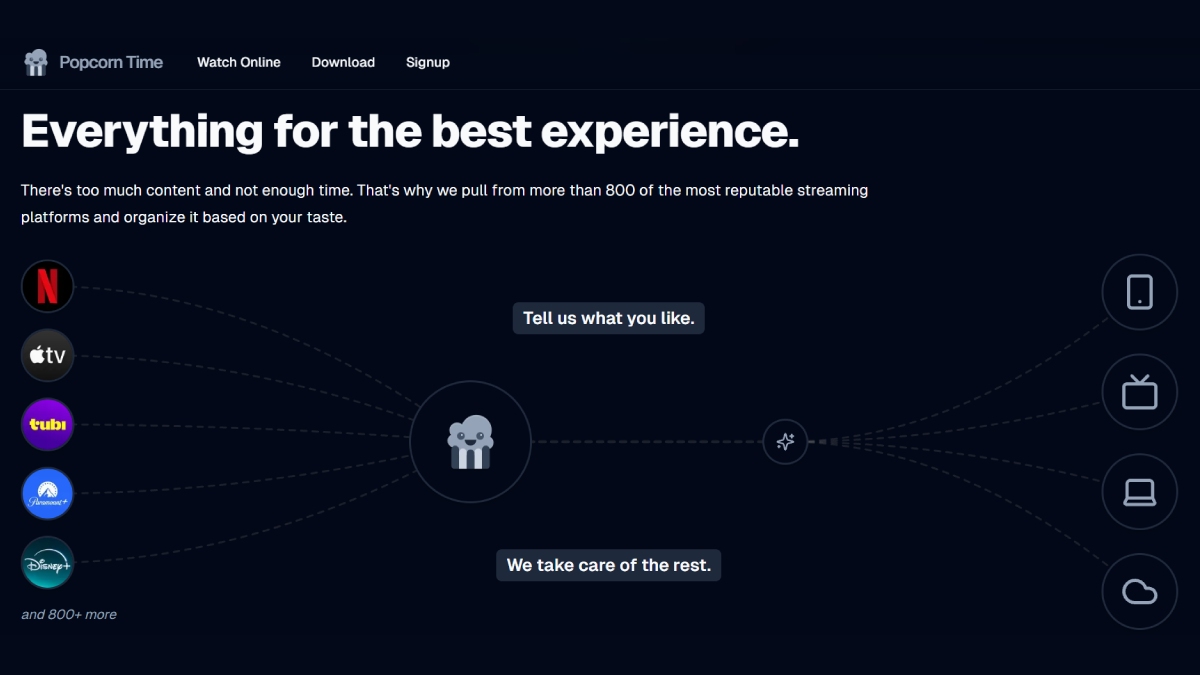
Photo Credit: Popcorn Time
Users are advised to uninstall Time4Popcorn due to remaining risks
Click Here to Add Gadgets360 As A Trusted Source

Advertisement
Macs and Windows PCs with an old version of Popcorn Time installed could be at risk, even if their owners no longer use the app. Researchers found that its updater could let attackers run malicious code on affected computers. While they have since taken steps to disable the vulnerable component, that does not make the app itself safe. The incident is a reminder that software can remain a security risk long after its developers have abandoned it.
What Happened?
Cybersecurity firm Eye Research discovered the flaw while investigating an unofficial version of Popcorn Time called Time4Popcorn. The findings, part of its Operation IXIM investigation, were presented at the hack.lu conference in Luxembourg on October 22. The vulnerability, identified as CVE-2026-30612, could allow attackers to run malicious code on affected computers.
The problem is that the app's updater kept running in the background, even on computers where users had stopped using Popcorn Time. By taking control of its update domain or tampering with the network connection, an attacker could potentially send malicious files to these devices. This could put users at risk of password theft and ransomware, although Eye Research found no evidence confirming that attackers had exploited the flaw.
Why Was the Updater Vulnerable?
The updater had no way of checking whether a downloaded file was genuine before running it. It also relied on unencrypted HTTP connections, which meant attackers could potentially intercept or tamper with data sent between the software and its update server.
The risk was particularly serious because the updater had extensive access to the computer. On Windows, it could run downloaded files with SYSTEM-level privileges. Its macOS counterpart, PT.updd, had root access and could launch automatically when the computer started, potentially leaving the system exposed even when the app was not in use.
The cybersecurity firm estimates that between 250,000 and 350,000 Macs and 2.5 million to 3 million Windows hosts had contacted the update servers. These numbers do not necessarily represent individual computers, however, as flaws in the way the software identified devices meant that some could be counted more than once.
What Did Researchers Do?
Since the original developers were no longer maintaining the app, the cybersecurity firm decided to disable the updater itself. Its fix stopped the update service on Windows and disabled the launch daemon on macOS. The researchers tested the repair before rolling it out, initially restricting downloads to devices they had already identified.
The fix ran into an unexpected problem when antivirus software began flagging it as malicious. Eleven security vendors initially detected the tool, apparently because stopping a system service is also a behaviour associated with malware. Eye Research then modified the executable to avoid those detection signatures and continue the rollout.
By the time the operation ended in March 2026, the firm had distributed more than two million repair downloads. It later handed over the 15 update domains it controlled to the Shadowserver Foundation. However, the download count does not tell us how many individual computers were successfully repaired.
Disabling the updater does not address the vulnerabilities in Time4Popcorn itself, which uses a Chrome engine dating back to 2014, runs without its browser security sandbox and loads content over unencrypted connections. The firm also demonstrated that the app could be used to launch a program on Windows through JavaScript.
The researchers advise users to uninstall the affected version rather than assume that disabling the updater makes it safe. Mac users can check for PT.updd in /Library/PrivilegedHelperTools/ and its associated launch daemon in /Library/LaunchDaemons/PT.updd.plist. Removing the updater's ability to run does not eliminate the risks posed by the app itself.
Comments
Get your daily dose of tech news, reviews, and insights, in under 80 characters on Gadgets 360 Turbo. Connect with fellow tech lovers on our Forum. Follow us on X, Facebook, WhatsApp, Threads and Google News for instant updates. Catch all the action on our YouTube channel.
Further reading:
Popcorn Time, Time4Popcorn, Cybersecurity, Security Vulnerability, Malware, Windows, macOS, Mac Security
Related Stories






Advertisement
Follow Us




-
![[Sponsored] A Last-Minute Diwali Makeover With Galaxy Z Fold8](https://www.gadgets360.com/static/desktop/images/spacer.png)
01:24
[Sponsored] A Last-Minute Diwali Makeover With Galaxy Z Fold8 -
01:42
[Sponsored] Galaxy Watch9 for Everyday Health Insights | Smarter Wellness Choices -
01:15
[Sponsored] Galaxy Tab S10 Lite for Students: Notes, Solve Math and More -
04:17
[Sponsored] LG NANO 4K UHD AI TV NU885: Gemini Search, Dolby Atmos & 5 Years of Updates -
00:57
[Sponsored] Samsung Galaxy Z Fold8 My Fan Cam in Action: Find the Moment, Then Share It
Advertisement
Popular on Gadgets
- Samsung Galaxy S26 Ultra
- Motorola Razr Fold
- ChatGPT
- OPPO Find N6
- Mobiles Under Rs. 40,000
- Vivo X300 Ultra
- Asus Zenbook S14
- iQOO 15
- Vivo X300 Pro
- Lenovo Yoga Slim 7i Aura Edition
- iQOO 15R
- Vivo X Fold 5
- Sony PlayStation 5
- HP OmniPad 12
- OnePlus Nord CE 6 Lite
- OnePlus Pad 4
- OPPO F33 Pro 5G
- Cryptocurrency
- HP OmniBook Ultra 14 (2026)
- iPhone 17
- Eureka Forbes AP 355 Room Air Purifier
- Latest Mobile Phones
- Compare Phones
Latest Gadgets
- OnePlus Ace 7 Pro
- OnePlus Ace 7
- Samsung W27
- Huawei Pura 90 Plus
- iQOO Neo 12
- Redmi K100
- Vivo Y600
- HMD 2660 Flip Senior Edition
- MacBook Pro With PROLED XDR (16-Inch, M5 Max)
- MacBook Pro With PROLED XDR (14-Inch, M5 Max)
- iPad mini (2026)
- Amazon Alexa Tablet 8
- Pebble Qore 2
- Amazfit T-Rex Dual Solar
- Toshiba 65-Inch 4K Ultra HD Smart Mini LED QLED TV (65Z670SP)
- Haier M70 Mini LED 65-inch
- Acer Predator Atlas 8
- Asus ROG Ally
- Blue Star 1.5 Ton 5 Star Inverter Split AC (IE518ZNURS)
- Blue Star 2 Ton 3 Star Inverter Window AC (WIE324L)

- About Us
- Sitemaps
- Feedback
- Archives
- Contact Us
- RSS
- Advertise
- Career
- Privacy Policy
- Ethics
- Editorial Policy
- Terms & Conditions
- Complaint Redressal
Download Our Apps
Available in Hindi
© Copyright Red Pixels Ventures Limited 2026. All rights reserved.