- Home
- Smart home
- Smart home Reviews
- Logic LT IR75CX 75 Inch Review: A Feature Rich Interactive Display With a Specific Audience
Logic LT-IR75CX 75-Inch Review: A Feature-Rich Interactive Display With a Specific Audience
Logic LT-IR75CX has a few noteworthy hardware and software features worth exploring. Read our review to find out more.
Written by Nithya P Nair, Edited by Ketan Pratap | Updated: 6 September 2026 09:00 IST
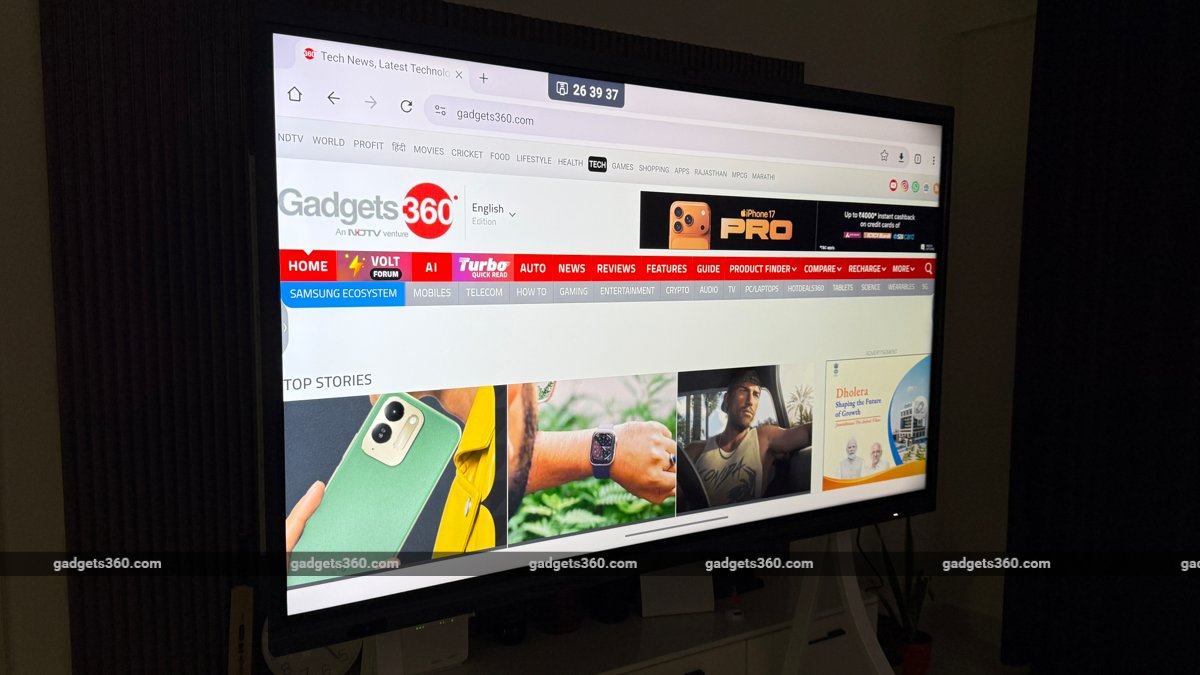
Logic LT-IR75CX with a 50-megapixel AI-backed camera
Click Here to Add Gadgets360 As A Trusted Source

Advertisement
The Logic LT-IR75CX is a new 75-inch Interactive flat panel display (IFPD) launched by Logic, the display brand of Online Instruments India. The latest panel has a touch surface and serves as an alternative to traditional whiteboards and projectors, intended primarily for learning and office use. With features like a built-in camera, microphones, and wireless screen sharing, this Android 14-based 4K UHD panel acts as a modern solution for writing, drawing, opening apps, and sharing screens.
The Logic LT-IR75CX is launched with an MRP of Rs. 3,19,000, but is currently listed for Rs. 2,19,500. We used this interactive display for a few days to evaluate its screen brightness, touch responsiveness, camera and microphones. Let's find out how well the Logic LT-IR75CX performed in our review:
Logic LT-IR75CX: Touch Panel and Hardware
- Display and OS: 4K UHD panel, Android 14
- RAM, storage: up to 16GB RAM and 256GB storage
- Camera: 50-megapixel camera
As mentioned, the Logic LT-IR75CX is designed mainly for B2B use, classrooms, meeting rooms, training centres and other collaborative environments. If you are getting it for your home, make sure you have enough space for this large display. The brand ships it with a floor-mount trolley stand, which is also heavy, but you can use it if your TV panel is not strong enough to support the display, which weighs around 56kg. Setup isn't as simple as with regular displays. Since it is a large professional display, technician support is highly recommended for installation.
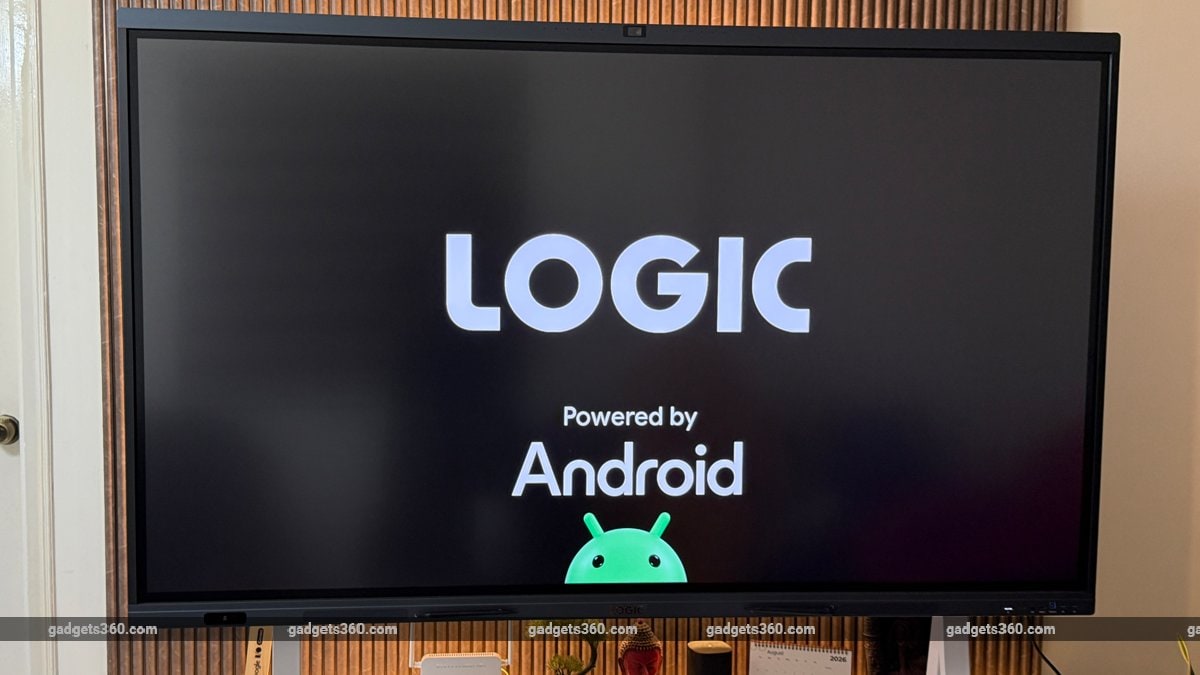
Logic LT-IR75CX runs Google EDLA-certified Android 14
The Logic LT-IR75CX has a 4K UHD panel with 2,160x3,840 pixel resolution and a 60Hz refresh rate. The panel has a rated typical brightness of 450 nits, with a minimum brightness of 400 nits, and a 5,000:1 contrast ratio. It offers 178-degree horizontal and vertical viewing angles, which I found convenient while sitting away from the centre of the screen to view presentations without major changes in image quality.
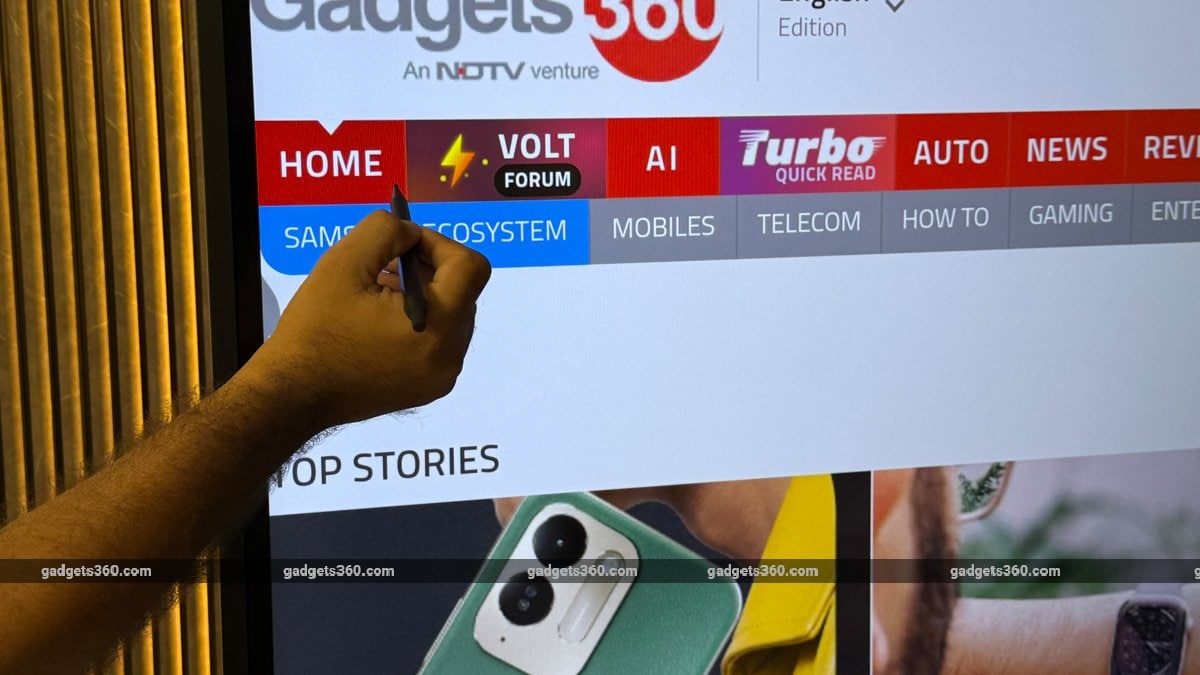
The 3mm surface glass has a rated hardness of 3.0, and the manufacturer claims that the panel has a lifespan of at least 50,000 hours. Compared to a conventional presentation screen, this model offers different hardware features, but the final experience will depend on how much you use it. One major highlight is two styluses that attach magnetically to the bottom of the panel, which is convenient during presentations and interactions. You can use the stylus to access Neo AI, the integrated AI assistant with voice commands.
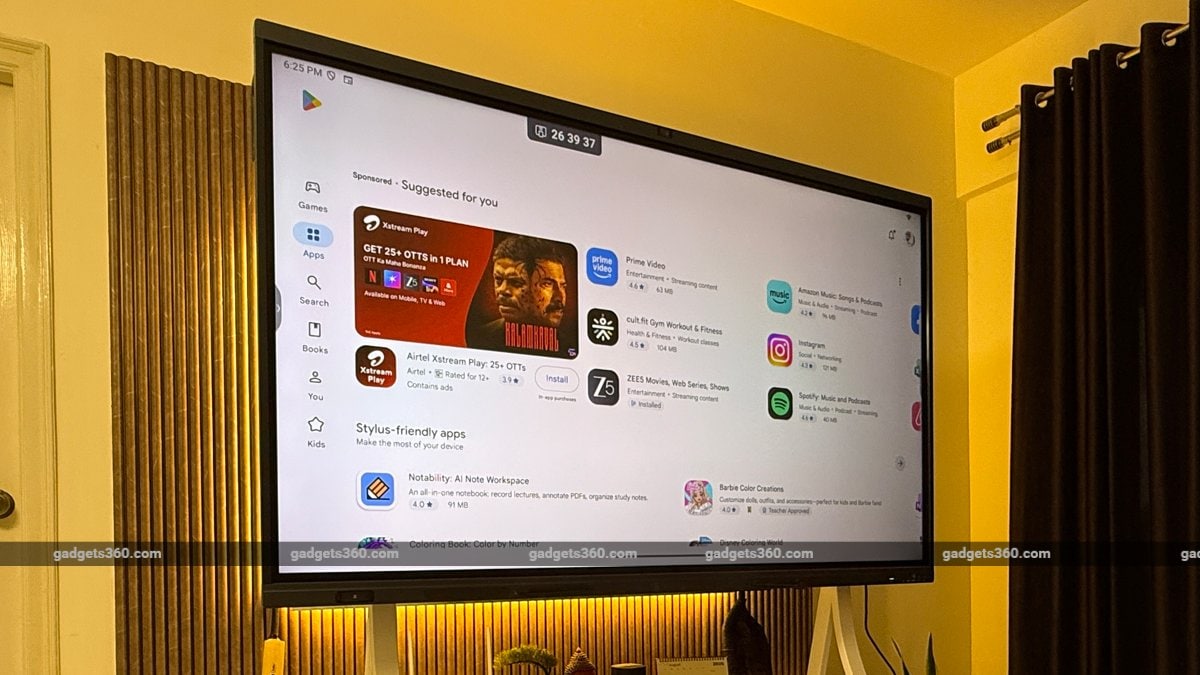
Logic LT-IR75CX panel has a rated typical brightness of 450 nits
The Logic LT-IR75CX runs on an Android 14-based platform and is reasonably well-equipped with up to 16GB of RAM and 256GB of storage. Touch interaction is the key feature here. The company advertise that the LT-IR75CX supports up to 50 touch points and 20 simultaneous writing points, with a claimed touch response time of 2.5ms or less. After spending some time using the display, I found the touch response smooth and responsive. Writing and navigating the panel felt natural, with very little delay between my movements and what appeared on screen. The low latency could also be useful for teaching sessions and for drawing graphs and diagrams during presentations. The display uses infrared recognition for touch input.
Logic LT-IR75CX: Connectivity
The Logic LT-IR75CX runs Google EDLA-certified Android 14. It supports downloading applications from the Google Play Store. It is available with either 8GB or 16GB of RAM and 128GB or 256GB of internal storage. The reviewed configuration is the higher-end 16GB RAM and 256GB storage variant. It uses an octa-core processor with four ARM Cortex-A72 cores and four Cortex-A53 cores, paired with a Mali-G52 MC3 GPU.
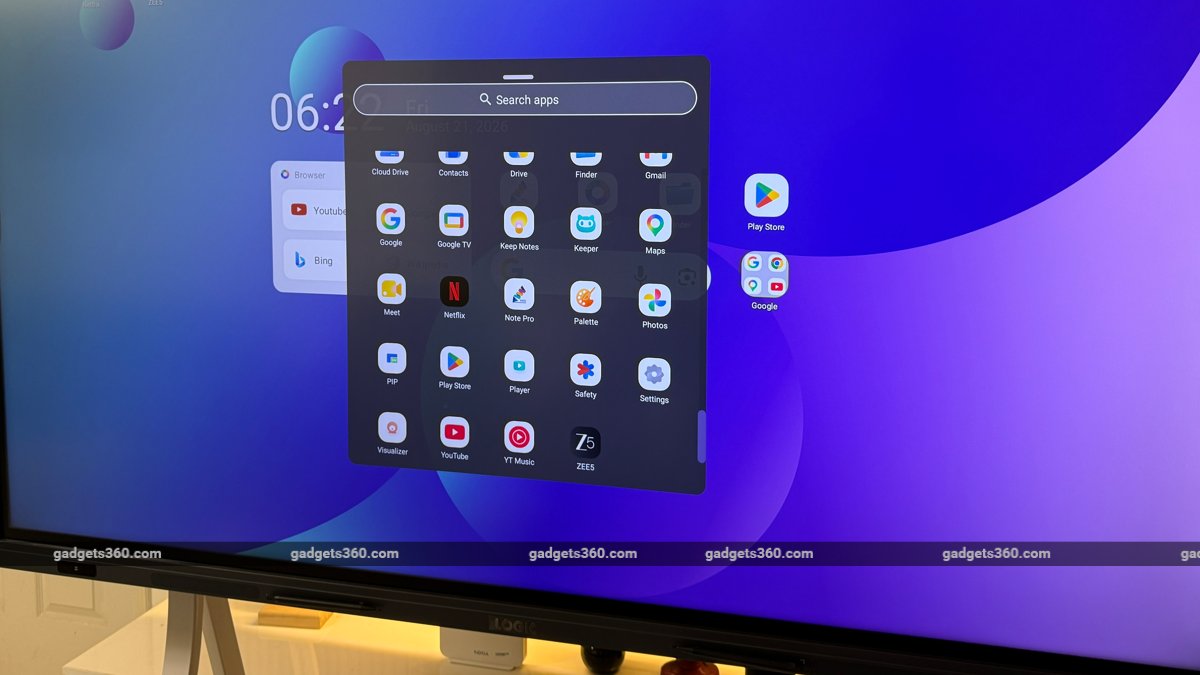
The reviewed Logic LT-IR75CX unit has 16GB RAM and 256GB storage
In my time with the device, I found the hardware more than capable of handling presentations, browser-based applications, and the Android apps I regularly use. I could move between these tasks without the device feeling sluggish. The available storage also gives enough space for apps, documents, videos, photos, and other files.
For connectivity, the Logic LT-IR75CX has Wi-Fi 6, Bluetooth 5.3 and NFC, and a range of physical ports. The specification includes HDMI input and output, USB 3.0, USB 2.0, USB Type-C, touch connectivity, VGA, DisplayPort, audio input and output, SPDIF, RS232 and RJ45 ports.
Connecting a PC through HDMI or USB-C to the Logic LT-IR75CX is quick, and the display switches input without much delay. This was useful for moving between a laptop and the built-in Android system without interruptions.
The LT-IR75CX supports centralised device management, but this functionality is likely to be beneficial for organisations deploying multiple displays across different rooms.
Logic LT-IR75CX: Camera and Audio
Logic has equipped the LT-IR75CX with a 50-megapixel AI-backed camera. The camera is positioned at the centre of the top bezel and supports features such as auto framing and speaker tracking. These features would be useful during video meetings where the presenter walks and moves around the room. The display also has an eight-array microphone system. This offers more flexibility for video calls and collaborative sessions than the laptop's built-in microphone. I tested the microphone system with a few calls, and I was impressed with the voice pickup.
Audio performance is one of this model's key strengths. It has a 2.1-channel setup comprising two 20W speakers and a 20W subwoofer, giving a total rated output of 60W. Logic lists a sound pressure level of up to 89dBSPL. I found the sound quality good enough that I often used the Logic panel for streaming music from YouTube. I didn't expect that from a large display.
Styluses are attached magnetically to the bottom of the panel
Like the recent interactive displays, the Logic LT-IR75CX includes several AI-focused functions, including Live Multilingual Subtitles, AI Smart Mapping, Smart Quiz Builder, AI Topics and an Ask AI Assistant, which is likely to be useful again for office and professional uses. Especially when you are dealing with people from different countries and languages.
It offers Wireless screen sharing that lets you share content with up to 30 connected devices and supports Android, Windows, iOS and macOS. This makes it suitable for classrooms. The Split-screen mode is another productivity-oriented feature that lets you run two applications simultaneously. The display also supports Picture-in-Picture mode, which can be useful during video meetings or presentations when users need to view two sources simultaneously.
Verdict
The Logic LT-IR75CX is meant for users who need more than a large 4K screen. It is feature-rich for interactive use and offers a range of features for video conferencing and collaborative sessions. During my time with it, 450-nit typical brightness worked well in both meeting room and classroom conditions, and visibility remained consistent under normal indoor lighting. Connecting a PC was quick, which made switching between devices during testing easy. The range of connectivity options and two styluses add more value.
Yes, the Logic LT-IR75CX is expensive, and those who only need a large screen for basic presentations may not necessarily need all of these additional features.
Rating: 7/10
Pros:
- Commendable touch responsiveness and brightness
- Integrated camera with decent clarity and microphones for video conferencing
- Different connectivity options
Cons
- Large size and weight make installation a bit difficult
- 60Hz refresh rate is less suitable for fast and demanding content or gaming
- Expensive compared to other standard displays
Comments
Get your daily dose of tech news, reviews, and insights, in under 80 characters on Gadgets 360 Turbo. Connect with fellow tech lovers on our Forum. Follow us on X, Facebook, WhatsApp, Threads and Google News for instant updates. Catch all the action on our YouTube channel.


Advertisement
Follow Us




-
![[Sponsored] LG NANO 4K UHD AI TV NU885: Gemini Search, Dolby Atmos & 5 Years of Updates](https://www.gadgets360.com/static/desktop/images/spacer.png)
04:17
[Sponsored] LG NANO 4K UHD AI TV NU885: Gemini Search, Dolby Atmos & 5 Years of Updates -
00:57
[Sponsored] Samsung Galaxy Z Fold8 My Fan Cam in Action: Find the Moment, Then Share It -
01:41
[Sponsored] What Do You Need To Know Before Your Next Run? | Samsung Galaxy Watch Ultra2 -
01:32
[Sponsored] Big Day Tomorrow? Prep Today | Samsung Galaxy Watch Ultra2 -
04:37
[Sponsored]: CP PLUS CarKam CP-F89B: 4K Dashcam With Rear Camera, GPS & Emergency Recording
Advertisement
Popular on Gadgets
- Samsung Galaxy S26 Ultra
- Motorola Razr Fold
- ChatGPT
- OPPO Find N6
- Mobiles Under Rs. 40,000
- Vivo X300 Ultra
- Asus Zenbook S14
- iQOO 15
- Vivo X300 Pro
- Lenovo Yoga Slim 7i Aura Edition
- iQOO 15R
- Vivo X Fold 5
- Sony PlayStation 5
- HP OmniPad 12
- OnePlus Nord CE 6 Lite
- OnePlus Pad 4
- OPPO F33 Pro 5G
- Cryptocurrency
- HP OmniBook Ultra 14 (2026)
- iPhone 17
- Eureka Forbes AP 355 Room Air Purifier
- Latest Mobile Phones
- Compare Phones
Latest Gadgets
- Lava Aura Curve
- Poco X8s
- Samsung Galaxy F70 5G
- Tecno Spark 50S 5G
- Vivo Y600s Pro
- Vivo Y32 (2026)
- Infinix Smart 20 HD
- Vivo V80
- HP ZBook Ultra G3a
- Dell Pro Rugged 14
- Amazon Alexa Tablet 8
- Amazon Alexa Tablet 11
- Pebble Qore 2
- Amazfit T-Rex Dual Solar
- Toshiba 65-Inch 4K Ultra HD Smart Mini LED QLED TV (65Z670SP)
- Haier M70 Mini LED 65-inch
- Acer Predator Atlas 8
- Asus ROG Ally
- Blue Star 1.5 Ton 5 Star Inverter Split AC (IE518ZNURS)
- Blue Star 2 Ton 3 Star Inverter Window AC (WIE324L)

- About Us
- Sitemaps
- Feedback
- Archives
- Contact Us
- RSS
- Advertise
- Career
- Privacy Policy
- Ethics
- Editorial Policy
- Terms & Conditions
- Complaint Redressal
Download Our Apps
Available in Hindi
© Copyright Red Pixels Ventures Limited 2026. All rights reserved.