-
 How to Check Your Mobile Number on Jio, Airtel, Vi and BSNL26 September 2026
 -
Jio and T-Mobile Achieve World’s First 5G SA Roaming Connection With Syniverse22 September 2026
-
Jio Users Get Free Canva Pro, Canva Pro Lite Subscriptions Worth Up to Rs. 4,000: Benefits, Offers16 September 2026
-
Jio vs Airtel vs Vi: Best Plans With 365 Days Validity Compared13 September 2026
-
Reliance Jio 10th Anniversary Offer Adds 120GB Bonus Data and More to Rs. 3,599 Annual Plan: Benefits7 September 2026
- Home
- How to
- How to Features
- How to Change Jio Prepaid Plan: A Step by Step Guide
How to Change Jio Prepaid Plan: A Step-by-Step Guide
If you’re a Jio user, then you can select another prepaid recharge plan without having to wait for your existing plan to run out. Here's how.
Written by Shaurya Tomer, Edited by Rohan Pal | Updated: 27 September 2026 08:00 IST
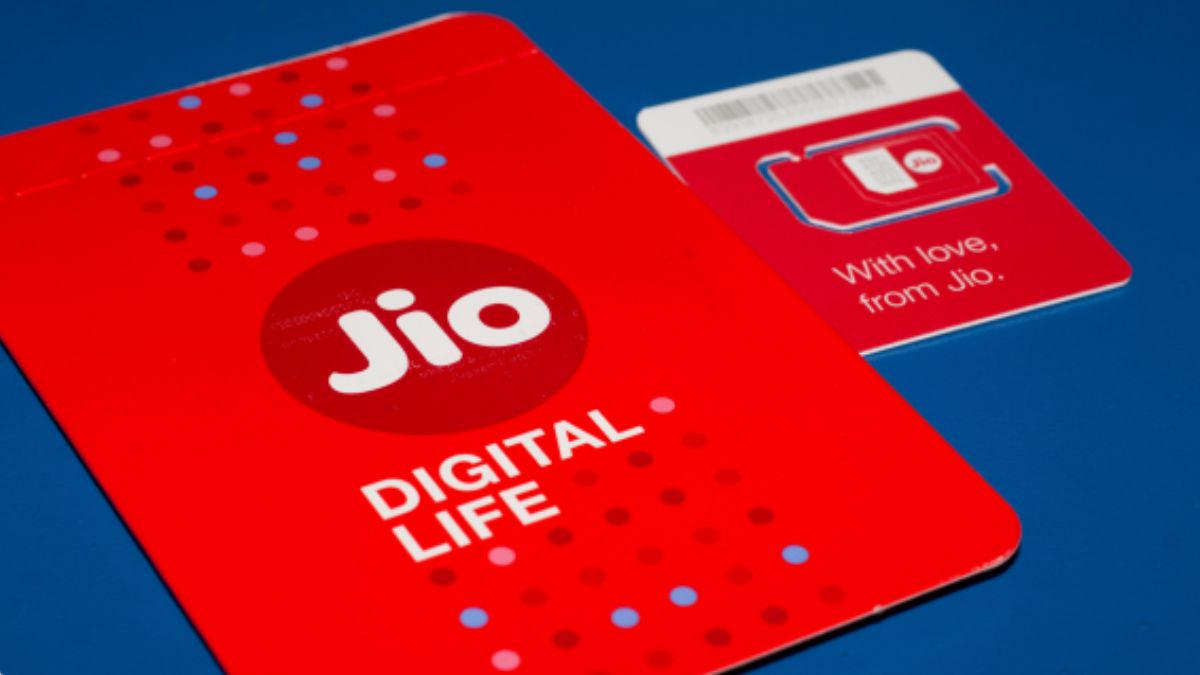
Photo Credit: Jio
Jio offers various plans for prepaid users in India
Click Here to Add Gadgets360 As A Trusted Source

Advertisement
If you've ever recharged with a prepaid plan and instantly realised another plan offered better benefits, then you're not alone. Choosing the right plan can sometimes be tricky, especially when your data requirements or calling needs change. You may have picked a plan with more data than you need, run out of daily data sooner than expected, or simply want a different validity period. If you're a Jio user, then you have an option to select another plan without having to wait for your existing plan to run out. A new recharge can be added to the account and, depending on how it is managed, either remain queued for later or be activated immediately.
Jio Prepaid Plans: What You Need to Know
Jio offers a range of prepaid plans with different data, voice calls, SMS, validity, and additional benefits. You can browse and recharge with available plans through the MyJio app or Jio's website. The MyJio app also lets you view your active and upcoming plans, along with their validity and remaining benefits.
There can be several reasons to change a prepaid plan. For example, someone who regularly runs out of their daily data may want to move to a plan with a higher data allowance, while another may prefer a longer validity period. There can also be instances where you've accidentally selected a different plan, and you may want to replace it instead of waiting for its expiry.
How to Recharge With a New Jio Prepaid Plan
Step 1: Open the MyJio app and log in using your Jio mobile number, or visit the Jio website and sign in.
Step 2: Go to the Recharge section.
Step 3: Browse the available prepaid plans and select the one you want.
Step 4: Check the plan's data allowance, validity, and other benefits.
Step 5: Complete the payment using your preferred payment method.
Step 6: Once the recharge is successful, the new plan will either become active or be added as an upcoming plan, depending on your account and the existing plan.
How to Activate an Upcoming Jio Plan
If you have already recharged with a new plan but do not want to wait for the current plan to expire, Jio lets you activate the queued plan through MyJio. If you do not manually activate it, an upcoming plan will generally start after the current plan expires.
Step 1: Open the MyJio app and tap Mobile.
Step 2: Tap the menu icon.
Step 3: Select My Plans.
Step 4: Go to the Upcoming tab.
Step 5: Find the queued prepaid plan you want to use.
Step 6: Tap Activate next to the plan.
Step 7: Confirm the activation when prompted.
FAQs
1. Can I change my Jio prepaid plan without waiting for my current plan to expire?
Yes. You can recharge with a different Jio prepaid plan while your current plan is active. The new recharge can remain in the Upcoming section and start automatically after the current plan expires.
2. Can I activate my upcoming Jio prepaid plan immediately?
Yes. Open the MyJio app, go to Mobile > My Plans > Upcoming, and tap Activate next to the queued plan. Confirm the activation to switch to it immediately.
3. Can I cancel a Jio recharge if I selected the wrong plan?
Yes, eligible recharges made through MyJio or Jio.com can be cancelled through the Recharge Reversal feature. Jio says standard plans need to be cancelled within three hours of the recharge, subject to the applicable conditions. Recharges made through third-party apps are not eligible for this feature.
4. Where can I check my active and upcoming Jio plans?
You can check them through the MyJio app. Go to Mobile and open My Plans to view your current plan and any upcoming or queued recharges.
5. What happens if I do not recharge my Jio number?
A Jio prepaid recharge plan is required to use services such as voice, data, and SMS. If there is no recharge or qualifying usage for an extended period, Jio says the number may be deactivated after 90 days of continuous non-usage, subject to its applicable policies.
Comments
Get your daily dose of tech news, reviews, and insights, in under 80 characters on Gadgets 360 Turbo. Connect with fellow tech lovers on our Forum. Follow us on X, Facebook, WhatsApp, Threads and Google News for instant updates. Catch all the action on our YouTube channel.
Related Stories





Advertisement
Follow Us




-
![[Sponsored] Samsung Galaxy Z Fold8, Fold8 Ultra](https://www.gadgets360.com/static/desktop/images/spacer.png)
00:21
[Sponsored] Samsung Galaxy Z Fold8, Fold8 Ultra -
03:41
[Sponsored] Samsung Galaxy Z Fold8: How It Fits Into an Actor’s Busy Day | Camera, Multitasking & More -
09:53
iPhone 18 Goes On Sale In India: Huge Crowds, Long Queues At Apple Stores -
06:32
Google Pixel 11 Pro XL Review: The Most Exciting Pixel Yet? | 120X Zoom + Tensor G6 -
05:20
Samsung Galaxy Watch Ultra 2 Review: Is This the Best Android Smartwatch?
-
Amazon Great Indian Festival: सेल से पहले 6 मोबाइल पर Early Bird Deals
-
Vivo Y600i हुआ लॉन्च; 8000mAh बैटरी और ड्रॉप प्रोटेक्शन के साथ आया फोन
-
लैपटॉप की बैटरी हेल्थ ऐसे करें चेक, नहीं होगा नुकसान
-
Motorola Signature Flipkart सेल में ₹3 हजार सस्ता खरीदें, 50MP तीन कैमरा वाला फोन
-
iQOO Pad Ultra में 9020mAh बैटरी कंफर्म, प्री-ऑर्डर भी शुरू
Advertisement
Popular on Gadgets
- Samsung Galaxy S26 Ultra
- Motorola Razr Fold
- ChatGPT
- OPPO Find N6
- Mobiles Under Rs. 40,000
- Vivo X300 Ultra
- Asus Zenbook S14
- iQOO 15
- Vivo X300 Pro
- Lenovo Yoga Slim 7i Aura Edition
- iQOO 15R
- Vivo X Fold 5
- Sony PlayStation 5
- HP OmniPad 12
- OnePlus Nord CE 6 Lite
- OnePlus Pad 4
- OPPO F33 Pro 5G
- Cryptocurrency
- HP OmniBook Ultra 14 (2026)
- iPhone 17
- Eureka Forbes AP 355 Room Air Purifier
- Latest Mobile Phones
- Compare Phones
Latest Gadgets
- Vivo Y600i
- Mivi One 5G
- Xiaomi 18 Pro Max
- Motorola Signature 27
- OPPO Find X10 E
- OnePlus N6 Lite 4G
- Ai+ Nova 2 Power 5G
- Lava Virat Curve 5G
- Microsoft Surface Laptop, 13-inch (2nd Edition)
- Lenovo LOQ 15AHP11
- Microsoft Surface Pro, 12-inch (2nd Edition)
- Xiaomi Pad 9 Pro
- Amazfit T-Rex Dual Solar
- OPPO Watch S2
- Haier M70 Mini LED 65-inch
- Xiaomi TV FX Mini LED 65
- Acer Predator Atlas 8
- Asus ROG Ally
- Blue Star 1.5 Ton 5 Star Inverter Split AC (IE518ZNURS)
- Blue Star 2 Ton 3 Star Inverter Window AC (WIE324L)

- About Us
- Sitemaps
- Feedback
- Archives
- Contact Us
- RSS
- Advertise
- Career
- Privacy Policy
- Ethics
- Editorial Policy
- Terms & Conditions
- Complaint Redressal
Download Our Apps
Available in Hindi
© Copyright Red Pixels Ventures Limited 2026. All rights reserved.