-
 JioPC Turns Your Existing Devices Into Cloud PCs With Ubuntu Interface, AI Tools: Price, Features13 October 2026
 -
India Could Be Among First Countries to Roll Out 6G, Says Jio9 October 2026
-
Jio Users Get Free Canva Pro, Canva Pro Lite Subscriptions Worth Up to Rs. 4,000: Benefits, Offers16 September 2026
-
Jio vs Airtel vs Vi: Best Plans With 365 Days Validity Compared13 September 2026
-
Reliance Jio 10th Anniversary Offer Adds 120GB Bonus Data and More to Rs. 3,599 Annual Plan: Benefits7 September 2026
- Home
- How to
- How to Features
- How to Activate Your Jio eSIM in 2026: A Step by Step Guide
How to Activate Your Jio eSIM in 2026: A Step-by-Step Guide
If you have recently upgraded to an eSIM-compatible device, here's a step-by-step guide explaining how to activate a Jio eSIM.
Written by Shaurya Tomer, Edited by Rohan Pal | Updated: 19 July 2026 09:00 IST
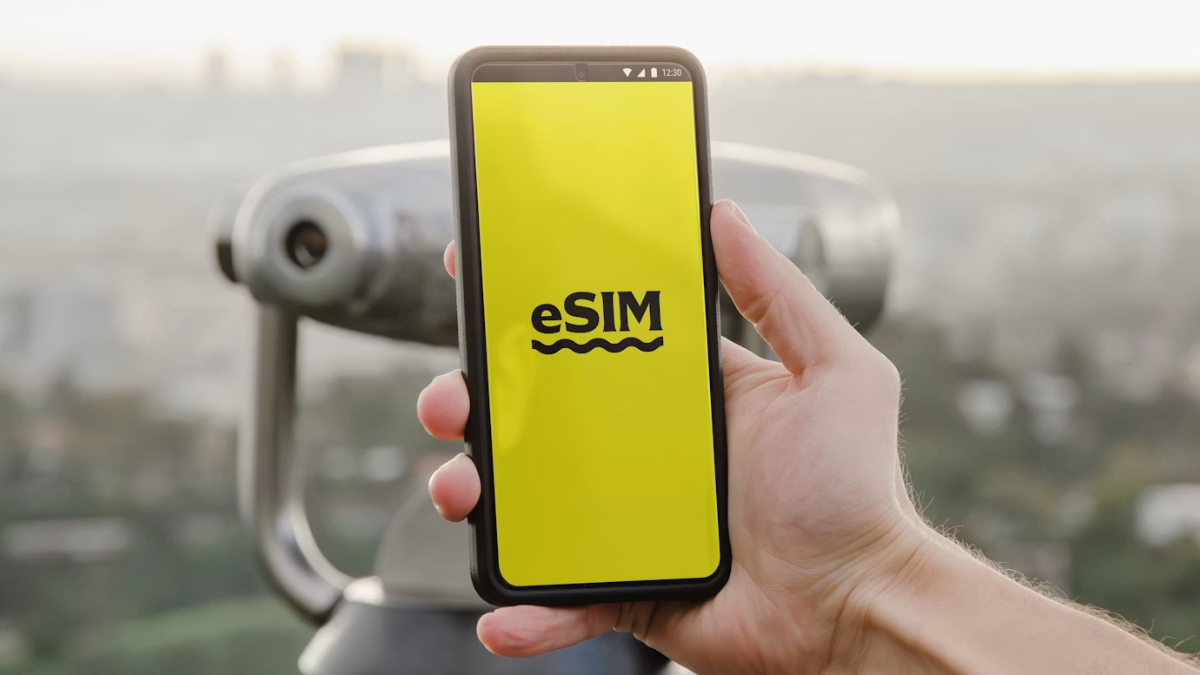
Photo Credit: Unsplash/ Opal Pierce
There are a few steps involved when it comes to activating an eSIM
Click Here to Add Gadgets360 As A Trusted Source

Advertisement
In recent years, physical SIM cards have gradually given way to eSIM technology. Jio, Vodafone Idea (Vi), and Airtel, the three largest telecom operators in India, offer eSIM functionality for supported devices. Unlike traditional SIM cards, it can be activated digitally. Jio supports eSIM activation on a wide range of compatible Android smartphones, iPhones, tablets, and smartwatches. It also offers an option to convert your physical SIM to eSIM for devices that support it.
So, if you have recently upgraded to an eSIM-compatible device or simply want to switch from a physical SIM, here's a step-by-step guide explaining how to activate a Jio eSIM.
What Is a Jio eSIM and Which Devices Support It?
An eSIM (Embedded SIM) is a digital SIM that is integrated into your smartphone or wearable. Instead of inserting a physical SIM card, your mobile operator remotely provisions your mobile plan over the air. Not only does it save space in a device, as manufacturers do not have to add a tray or slot for a physical SIM and can use that space for something else, but it also enables remote SIM provisioning of any mobile device.
Thus, in situations that may require removing or changing a SIM when moving to a different circle, switching telecom operators, or others, this can be done remotely by the mobile operator.
Several smartphone manufacturers offer models with eSIM support. These include iPhone XS and newer models, Google Pixel 4 and later devices, and multiple models from brands like Samsung, Motorola, Xiaomi, OnePlus, Oppo, Realme, and Vivo. You can check the complete list of supported devices on Jio's official website before proceeding.
How to Activate Jio eSIM on Your Smartphone
- Connect to Wi-Fi since your physical SIM will eventually be replaced during activation.
- Open Jio's official eSIM request page and select your device manufacturer from the available list.
- Select the exact smartphone model that you want to activate.
- Provide the Jio mobile number you wish to convert into an eSIM.
- Jio will send a One-Time Password (OTP) to your registered mobile number. Enter the OTP to verify your request.
- Once your request is verified, Jio will generate an eSIM activation profile or QR code, depending on your device.
- Next, add the eSIM profile to your phone. iPhone users can navigate to Settings > Mobile Data > Add eSIM. Scan the QR code and follow the on-screen instructions. On Android, head over to Settings > Network & Internet > Add e-SIM. When prompted, scan the provided QR code.
- After the eSIM profile is downloaded, restart your smartphone if prompted. Your Jio connection should become active within a short period.
Frequently Asked Questions (FAQs)
Can I convert my existing Jio physical SIM into an eSIM?
Yes. Existing Jio customers can convert their physical SIM into an eSIM on supported devices.
Is there any charge for activating Jio eSIM?
No. Jio does not currently charge customers for converting a physical SIM into an eSIM.
Can I use the same Jio eSIM on multiple devices?
No. A single Jio mobile number can only be active on one smartphone at a time.
Can I switch back to a physical SIM later?
Yes. You can visit a Jio Store or follow the operator's SIM replacement process to switch back to a physical SIM if required.
Affiliate links may be automatically generated - see our ethics statement for details.
Comments
Get your daily dose of tech news, reviews, and insights, in under 80 characters on Gadgets 360 Turbo. Connect with fellow tech lovers on our Forum. Follow us on X, Facebook, WhatsApp, Threads and Google News for instant updates. Catch all the action on our YouTube channel.
Related Stories





Advertisement
Follow Us




-
![[Sponsored] LG NANO 4K UHD AI TV NU885: Gemini Search, Dolby Atmos & 5 Years of Updates](https://www.gadgets360.com/static/desktop/images/spacer.png)
04:17
[Sponsored] LG NANO 4K UHD AI TV NU885: Gemini Search, Dolby Atmos & 5 Years of Updates -
00:57
[Sponsored] Samsung Galaxy Z Fold8 My Fan Cam in Action: Find the Moment, Then Share It -
01:41
[Sponsored] What Do You Need To Know Before Your Next Run? | Samsung Galaxy Watch Ultra2 -
01:32
[Sponsored] Big Day Tomorrow? Prep Today | Samsung Galaxy Watch Ultra2 -
04:37
[Sponsored]: CP PLUS CarKam CP-F89B: 4K Dashcam With Rear Camera, GPS & Emergency Recording
-
आ गई हवा में उड़ने वाली Tesla Roadster कार, आखिर सच हुआ फिल्मों वाला कमाल
-
रोबोट ने की लड़की से छेड़छाड़, पीछे से पकड़ा और किए गंदे इशारे, जानें
-
PS5 कहां मिलेगा सस्ता, Flipkart या Amazon, जानें सबकुछ
-
RedMagic 12 Pro ग्लोबल मार्केट में 3 नवंबर को होगा लॉन्च, 8400mAh बैटरी
-
Flipkart Big Billion Sale 2026: ₹25 हजार से सस्ते खरीदें Vivo, Samsung, Nothing, Realme मिडरेंज फोन, 7000mAh ब
Advertisement
Popular on Gadgets
- Samsung Galaxy S26 Ultra
- Motorola Razr Fold
- ChatGPT
- OPPO Find N6
- Mobiles Under Rs. 40,000
- Vivo X300 Ultra
- Asus Zenbook S14
- iQOO 15
- Vivo X300 Pro
- Lenovo Yoga Slim 7i Aura Edition
- iQOO 15R
- Vivo X Fold 5
- Sony PlayStation 5
- HP OmniPad 12
- OnePlus Nord CE 6 Lite
- OnePlus Pad 4
- OPPO F33 Pro 5G
- Cryptocurrency
- HP OmniBook Ultra 14 (2026)
- iPhone 17
- Eureka Forbes AP 355 Room Air Purifier
- Latest Mobile Phones
- Compare Phones
Latest Gadgets
- Tecno Spark 50S 5G
- Vivo Y600s Pro
- Vivo Y32 (2026)
- Infinix Smart 20 HD
- Vivo V80
- Vivo S2 FE
- Vivo Y600K Turbo
- Realme P4s Lite
- HP ZBook Ultra G3a
- Dell Pro Rugged 14
- Amazon Alexa Tablet 8
- Amazon Alexa Tablet 11
- Amazfit T-Rex Dual Solar
- OPPO Watch S2
- Toshiba 65-Inch 4K Ultra HD Smart Mini LED QLED TV (65Z670SP)
- Haier M70 Mini LED 65-inch
- Acer Predator Atlas 8
- Asus ROG Ally
- Blue Star 1.5 Ton 5 Star Inverter Split AC (IE518ZNURS)
- Blue Star 2 Ton 3 Star Inverter Window AC (WIE324L)

- About Us
- Sitemaps
- Feedback
- Archives
- Contact Us
- RSS
- Advertise
- Career
- Privacy Policy
- Ethics
- Editorial Policy
- Terms & Conditions
- Complaint Redressal
Download Our Apps
Available in Hindi
© Copyright Red Pixels Ventures Limited 2026. All rights reserved.