- Home
- How to
- How to Features
- How to Get a Replacement SIM With the Same Number After Losing Your Phone
How to Get a Replacement SIM With the Same Number After Losing Your Phone
Jio customers can suspend a lost SIM by calling 1800-889-9999, while Airtel, Vi and BSNL users can contact their operators or visit a store.
Written by Sucharita Ganguly, Edited by Rohan Pal | Updated: 21 November 2026 11:00 IST
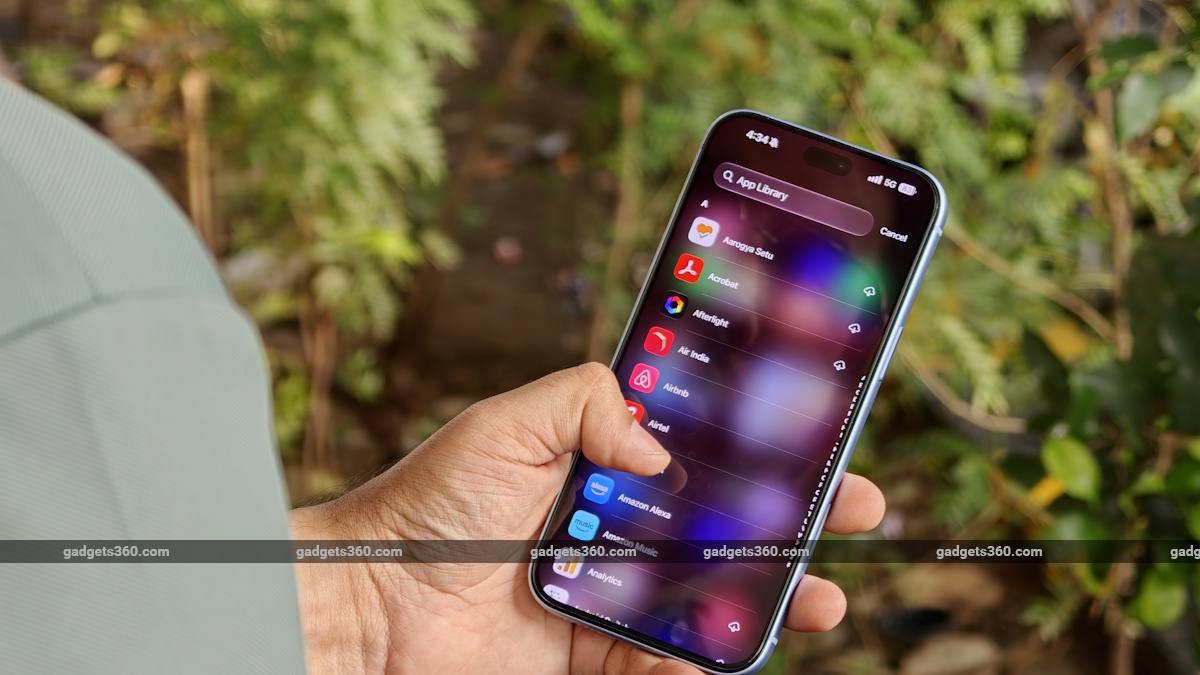
Subscribers should block their lost SIM as soon as possible
Click Here to Add Gadgets360 As A Trusted Source

Advertisement
You don't need to apply for a new mobile connection if you've lost your phone. Your telecom operator can issue a replacement SIM for your existing number, which means you can continue using it without informing your contacts or updating the number registered with your bank, UPI apps and other services. Before requesting a replacement, you'll need to get the missing SIM blocked to prevent anyone else from using it. You can then visit your operator's store, complete the identity verification process and collect a new SIM. Here's how to do this with Jio, Airtel, Vi and BSNL.
What to Do Immediately After Losing Your Phone
Before you get a replacement SIM, get the lost SIM blocked so nobody else can use your number. Just call your operator's customer care, visit a nearby store or use its online blocking service. If you're with Jio, you can call 1800-889-9999. Vi, Airtel and BSNL subscribers can get in touch with their respective operators to report the loss.

You should also get the missing phone blocked. You can request an IMEI block through the Sanchar Saathi portal, which will stop the handset from connecting to mobile networks even if someone puts another SIM in it. You'll need the phone's IMEI number and a copy of your police complaint to do this.
How to Get a Duplicate SIM With the Same Number
Once the old SIM has been blocked, you can get a replacement from the same operator without changing your mobile number. You'll generally have to visit an authorised store and ask for a duplicate SIM. Carry a valid ID proof and your mobile number so the staff can verify your details. Once that's done, they'll issue a new SIM and let you know when you can start using it.
The steps aren't exactly the same for every operator. Here's what Jio, Airtel, Vi and BSNL subscribers need to do to get a replacement SIM.
Jio
If you've lost your Jio SIM, you'll need to visit a Jio Store to get a replacement. Haven't blocked the old SIM yet? You can call 1800-889-9999 to temporarily suspend it.
Here's what you need to do to get a new SIM:
- Visit your nearest Jio Store.
- Tell the staff that you've lost your phone and need a replacement SIM with the same number.
- Share your Jio number and complete the identity verification process.
- Collect your new SIM and check with the staff when it will be activated.
Airtel
Airtel subscribers can report a lost SIM by calling customer care from another number. Ask the representative to block the old connection before heading to an Airtel Store for a replacement.
The process involves a few steps:
- Call Airtel customer care from another number and report the loss.
- Ask them to block your missing SIM.
- Visit a nearby Airtel Store and request a duplicate SIM for your existing number.
- Carry your original identity proof and a copy of the police complaint.
- Complete the verification process to get your replacement SIM.
Vi
Vi allows you to block a lost SIM online, so you don't necessarily have to call customer care to report the loss. Once the old SIM has been suspended, you'll need to visit a Vi Store to get a replacement.
To block the SIM and request a new one:
- Open Vi's SIM-blocking facility and enter your mobile number.
- Verify your request using the OTP sent to your registered alternate number or email address.
- Visit your nearest Vi Store once the old SIM has been blocked.
- Ask for a replacement SIM linked to your existing number.
- Carry a valid identity document and your registered alternate contact details for verification.
- Complete the verification at the store and collect your new SIM.
Vi also notes that you won't lose your existing recharge plan, balance or services when you get a replacement SIM. However, make sure you collect the new SIM within 90 days of blocking the old one, or you could lose access to your number.
BSNL
If you have a BSNL connection, call customer care to report the loss and get your old SIM blocked. You can dial 1503 from another BSNL number or 1800-180-1503 from a phone on a different network.
For the replacement, here's what you should do:
- Call BSNL customer care and report that you've lost your phone and SIM.
- Ask the representative to block the old SIM and explain how to get a replacement with the same number.
- Check which BSNL customer service centre handles SIM replacement requests in your area.
- Visit the centre with your identity proof and any other documents BSNL asks you to bring.
- Complete the required verification and request the replacement SIM.
BSNL's requirements can vary across telecom circles, so it's best to confirm the documents and procedure with customer care before visiting the centre.
Documents Required and SIM Activation Time
When you visit your operator's store, carry an original government-issued ID like an Aadhaar card, Voter ID or passport for verification. You may also need a copy of the police complaint if your phone was stolen. Requirements can vary between operators, so check with customer care before heading to the store.
Your replacement SIM may not start working immediately after you collect it. The activation time depends on your operator, but there's one restriction that applies across networks: SMS services on a re-issued SIM remain blocked for the first 24 hours after activation under Department of Telecommunications rules. This means you'll have to wait before you can receive OTPs by SMS. Once the SIM is active, you can continue using your existing mobile number.
FAQs
1. What documents are required to get a replacement SIM?
You may need an original government-issued identity document, such as an Aadhaar card, Voter ID or passport. A police complaint may also be required if your phone was stolen.
2. How long does it take for a replacement SIM to become active?
Activation time varies by operator. However, SMS services on a re-issued SIM remain restricted for the first 24 hours after activation.
3. How do I block my lost SIM card?
Contact your operator's customer care, visit an authorised store or use its online SIM-blocking facility, where available.
Comments
Get your daily dose of tech news, reviews, and insights, in under 80 characters on Gadgets 360 Turbo. Connect with fellow tech lovers on our Forum. Follow us on X, Facebook, WhatsApp, Threads and Google News for instant updates. Catch all the action on our YouTube channel.


Advertisement
Follow Us


-
 Top Ultrasonic Cool-Mist Humidifiers to Beat Winter Dryness & Static at Home
-
Best Gaming Laptops for Live Streaming on YouTube: High-FPS Picks With Smooth Encoding
-
Top CCTV Cameras With SIM Card Support for Farms, Construction Sites & Vacation Homes
-
Café-Style Coffee at Home: Best Espresso Machines Under ₹10,000
-
Best Men's Grooming Kits & Beard Care Combos to Gift or Own This Wedding Season
Advertisement
Popular on Gadgets
- Samsung Galaxy S26 Ultra
- Motorola Razr Fold
- ChatGPT
- OPPO Find N6
- Mobiles Under Rs. 40,000
- Vivo X300 Ultra
- Asus Zenbook S14
- iQOO 15
- Vivo X300 Pro
- Lenovo Yoga Slim 7i Aura Edition
- iQOO 15R
- Vivo X Fold 5
- Sony PlayStation 5
- HP OmniPad 12
- OnePlus Nord CE 6 Lite
- OnePlus Pad 4
- OPPO F33 Pro 5G
- Cryptocurrency
- HP OmniBook Ultra 14 (2026)
- iPhone 17
- Eureka Forbes AP 355 Room Air Purifier
- Latest Mobile Phones
- Compare Phones
Latest Gadgets
- Redmi R80m 5G
- Redmi R80 5G
- Lava Smart 4 Pro
- OPPO Reno 17 Pro (China)
- OPPO Reno 17 (China)
- Vivo Y6k
- Karbonn Rebel
- Karbonn Rebel Pro
- Dell XPS 16 Creator Edition
- Dell 14S (2026)
- OPPO Pad Air 6
- Infinix Xpad 30
- Honor Watch 6 Pro
- Xiaomi Watch S5 41mm
- Toshiba 65-Inch 4K Ultra HD Smart Mini LED QLED TV (65Z670SP)
- Haier M70 Mini LED 65-inch
- Acer Predator Atlas 8
- Asus ROG Ally
- Blue Star 1.5 Ton 5 Star Inverter Split AC (IE518ZNURS)
- Blue Star 2 Ton 3 Star Inverter Window AC (WIE324L)

- About Us
- Sitemaps
- Feedback
- Archives
- Contact Us
- RSS
- Advertise
- Career
- Privacy Policy
- Ethics
- Editorial Policy
- Terms & Conditions
- Complaint Redressal
Download Our Apps
Available in Hindi
© Copyright Red Pixels Ventures Limited 2026. All rights reserved.