- Home
- How to
- How to Features
- How to Link Aadhaar with Your IRCTC Account? A Step by Step Guide
How to Link Aadhaar with Your IRCTC Account? A Step-by-Step Guide
If you have ever seen booking limits, verification prompts, or sudden errors pop up, chances are Aadhaar linking could have helped.
Written by Sucharita Ganguly, Edited by David Delima | Updated: 12 January 2026 19:50 IST
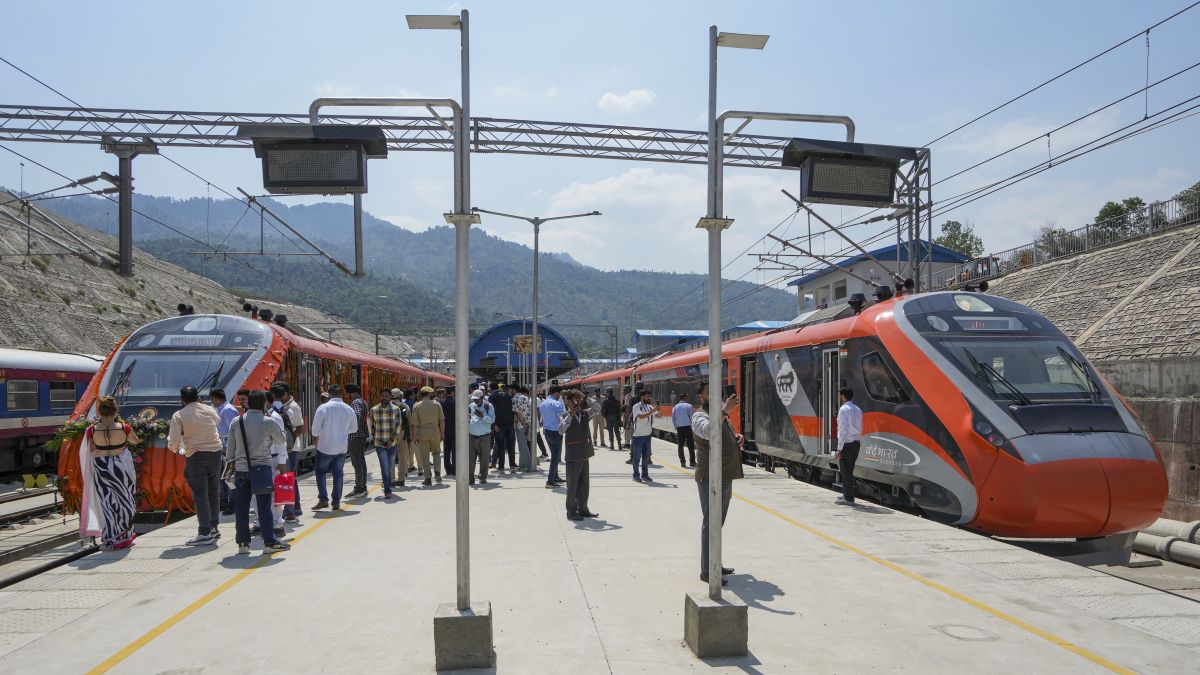
Photo Credit: Press Trust of India
You need an active IRCTC account to complete the Aadhaar linking process
Click Here to Add Gadgets360 As A Trusted Source

Advertisement
If you book train tickets online in India, your IRCTC account is something you use all the time. But many travellers still skip one important step, linking their Aadhaar to their IRCTC profile. While some might consider it another formality, it is said to be designed to make your account more secure and helps avoid last-minute issues while booking or travelling. If you have ever seen booking limits, verification prompts, or sudden errors pop up, chances are Aadhaar linking could have helped.
In this feature, we will show you exactly how to link your Aadhaar with your IRCTC account in a simple and stress-free way. You do not need to be tech-savvy to follow along. Just keep your Aadhaar number and registered mobile phone handy, and we will walk you through the entire process step by step so you can get it done in just a few minutes.
Why Link Aadhaar with Your IRCTC Account?
Linking your Aadhaar helps reduce misuse of the ticketing system by agents and touts, making it easier for genuine passengers to get confirmed seats. When your account is authenticated, IRCTC can better verify that you are a real individual, not a bulk booking account. In some cases, such as Tatkal and Premium Tatkal bookings, are reserved only for Aadhaar-verified users. This gives regular travellers a fairer chance to book tickets before they sell out.
What You Need Before You Start
- Make sure you have an active IRCTC account with your User ID and Password ready.
- Keep your Aadhaar card handy with either the 12-digit Aadhaar number or the Virtual ID.
- Ensure your mobile number is linked to Aadhaar so you can receive the OTP for verification.
How to Link Aadhaar with Your IRCTC Account?
- Firstly, you need to visit the official IRCTC website and log in using your registered User ID and Password so you can access your account.
- Once you are logged in, click on the My Account tab to open your profile and account-related options.
- From the available options, select Authenticate User or Link Your Aadhaar to start the Aadhaar linking process.
- On the next page, enter your Aadhaar number or Virtual ID (VID) and carefully check that your name, date of birth, and gender match your Aadhaar records, making any corrections if needed.
- After confirming the details, click on Verify details and receive OTP to request a one-time password on your Aadhaar-registered mobile number.
- Enter the OTP you receive on your phone in the given field and click Submit or Verify to continue.
- Finally, agree to the consent statement and submit the form to complete the process, after which your account will show as Authenticated with a green tick.
How to Check If Your IRCTC Account Is Authenticated
- After you link your Aadhaar to your IRCTC account, you can easily check whether the process was successful.
- Look at the top of the IRCTC website after you log in. If your account is authenticated, you will see a green tick next to your username and the Authenticate User option in the header.
- You can also go to My Account and click on Authenticate User. This page will show your Aadhaar linking status and confirm whether your account is verified.
Ensure the mobile number connected to your Aadhaar is working, as this is where the OTP will be delivered. Also, check that your name, date of birth, and gender in your IRCTC profile match your Aadhaar records, or the verification could be rejected. After linking Aadhaar, you can also book tickets in limited booking windows, such as the morning Tatkal period, which is reserved for genuine users.
FAQs
1. Why should I link my Aadhaar with my IRCTC account?
Linking Aadhaar helps verify that you are a genuine user, reduces misuse by agents, and gives you access to restricted booking windows like the early Tatkal period.
2. What details do I need to link Aadhaar with IRCTC?
You need your IRCTC User ID and password, your Aadhaar number or Virtual ID, and a mobile number that is linked to Aadhaar to receive the OTP.
3. What happens if my IRCTC details do not match my Aadhaar?
If your name, date of birth, or gender does not match your Aadhaar records, the verification may fail, so you should update these details before trying again.
4. How do I know if my IRCTC account is Aadhaar authenticated?
After logging in, you will see a green tick next to your username or under the Authenticate User section in My Account if your account is verified.
5. Can I book Tatkal tickets without linking Aadhaar?
As of July 2025, only Aadhaar-authenticated users can book Tatkal and Premium Tatkal tickets.
Comments
Get your daily dose of tech news, reviews, and insights, in under 80 characters on Gadgets 360 Turbo. Connect with fellow tech lovers on our Forum. Follow us on X, Facebook, WhatsApp, Threads and Google News for instant updates. Catch all the action on our YouTube channel.


Advertisement
Follow Us




-
![[Sponsored]: CP PLUS CarKam CP-F89B: 4K Dashcam With Rear Camera, GPS & Emergency Recording](https://www.gadgets360.com/static/desktop/images/spacer.png)
04:37
[Sponsored]: CP PLUS CarKam CP-F89B: 4K Dashcam With Rear Camera, GPS & Emergency Recording -
04:23
[Partner Content] Your Phone Can Do WAY More Than You Think | OPPO ColorOS 16 -
01:59
Samsung Galaxy Z Fold8 Ultra: Unfold the Ultra Night -
03:24
Apple Pay Launches In India: Supported Devices, Cards And Payments Explained -
00:21
[Sponsored] Samsung Galaxy Z Fold8, Fold8 Ultra
-
Amazon Great Indian Festival Sale: iPhone 17 Pro पर बंपर डील
-
Flipkart Big Billion Days Sale: ₹8K से सस्ता मिल रहा Google Pixel 10a
-
भारत में दुनिया का सबसे सस्ता इंटरनेट, 1GB की कीमत सिर्फ 8 रुपये
-
Flipkart Big Billion Sale 2026: ₹30 हजार से सस्ते खरीदें Motorola, Vivo, Samsung के 7,000mAh बैटरी वाले फोन
-
Flipkart Big Billion Sale 2026: ₹20 हजार से सस्ते खरीदें Samsung, Mivi, Ai+ बजट फोन, 7000mAh तक बैटरी
Advertisement
Popular on Gadgets
- Samsung Galaxy S26 Ultra
- Motorola Razr Fold
- ChatGPT
- OPPO Find N6
- Mobiles Under Rs. 40,000
- Vivo X300 Ultra
- Asus Zenbook S14
- iQOO 15
- Vivo X300 Pro
- Lenovo Yoga Slim 7i Aura Edition
- iQOO 15R
- Vivo X Fold 5
- Sony PlayStation 5
- HP OmniPad 12
- OnePlus Nord CE 6 Lite
- OnePlus Pad 4
- OPPO F33 Pro 5G
- Cryptocurrency
- HP OmniBook Ultra 14 (2026)
- iPhone 17
- Eureka Forbes AP 355 Room Air Purifier
- Latest Mobile Phones
- Compare Phones
Latest Gadgets
- Vivo Y600s Pro
- Vivo Y32 (2026)
- Infinix Smart 20 HD
- Vivo V80
- Vivo S2 FE
- Vivo Y600K Turbo
- Realme P4s Lite
- Vivo S60t
- Dell Pro Rugged 14
- Dell Pro Rugged 13 Extreme
- Amazon Alexa Tablet 8
- Amazon Alexa Tablet 11
- Amazfit T-Rex Dual Solar
- OPPO Watch S2
- Toshiba 65-Inch 4K Ultra HD Smart Mini LED QLED TV (65Z670SP)
- Haier M70 Mini LED 65-inch
- Acer Predator Atlas 8
- Asus ROG Ally
- Blue Star 1.5 Ton 5 Star Inverter Split AC (IE518ZNURS)
- Blue Star 2 Ton 3 Star Inverter Window AC (WIE324L)

- About Us
- Sitemaps
- Feedback
- Archives
- Contact Us
- RSS
- Advertise
- Career
- Privacy Policy
- Ethics
- Editorial Policy
- Terms & Conditions
- Complaint Redressal
Download Our Apps
Available in Hindi
© Copyright Red Pixels Ventures Limited 2026. All rights reserved.