- Home
- Apps
- Apps Features
- Best Free AI Video Editing Apps for Creators in India: CapCut, InVideo and More
Best Free AI Video Editing Apps for Creators in India: CapCut, InVideo and More
Free plans can have restrictions such as limited AI usage, watermarked exports or locked features.
Written by Sucharita Ganguly, Edited by Rohan Pal | Updated: 16 August 2026 12:00 IST
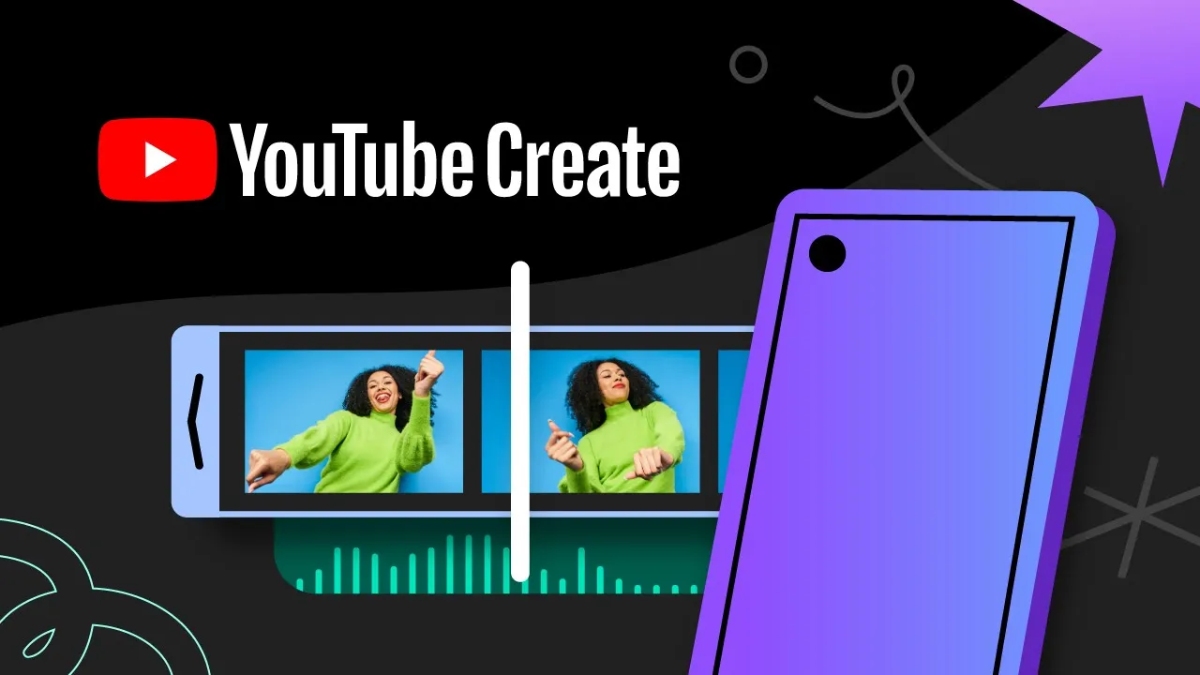
Photo Credit: YouTube
YouTube Create offers AI tools for mobile creators
Click Here to Add Gadgets360 As A Trusted Source

Advertisement
If you create videos regularly, AI editing tools can take care of some of the more time-consuming parts of the process, from adding captions and cleaning up audio to removing backgrounds and turning a script into a video. The good news is that you do not always need to pay for professional software to get these features. For creators in India, there are several free or free-tier options worth trying, depending on whether you make Reels and Shorts, YouTube videos, or more detailed projects.
CapCut
If you mainly make Reels, Shorts or other short-form videos, CapCut is one of the easier options to start with. Its free tools can handle several time-consuming editing jobs, including automatic captions, background removal and noise reduction.

Automatic captions are particularly useful for creators who regularly publish talking-head videos, interviews or tutorials. Instead of typing subtitles manually, you can generate them and then make corrections before exporting. Background removal can also help when you want to separate yourself or another subject from the original setting without using a green screen. Noise reduction is useful for cleaning up footage recorded in busy or noisy surroundings.
CapCut also includes templates, effects and music, which can speed up the process when you are making short videos. The main limitation is that not every AI feature or asset is necessarily available for free, so it is worth checking what is included in the version available to you.
InVideo AI
InVideo AI is more useful when you have an idea or script but do not want to build the entire video manually. You can start with text and let the platform create a video around it, including a script, visuals, voiceover, subtitles and music.
This can be useful for creators making explainers, educational videos, listicles or faceless content. For example, if you already have a script for a five-minute video, the AI tools can help turn that script into an initial edit instead of requiring you to find footage and arrange every scene yourself.
The platform also lets you edit videos using text instructions. That can be useful when you want to make changes without manually going through the timeline.
There is a catch if you are looking specifically for a completely free editor. InVideo AI's free plan has usage limits and adds a watermark to exports. It is therefore better suited to trying out AI-assisted video creation or producing occasional content without paying for a subscription.
YouTube Create
YouTube Create is a good fit if most of your content goes to YouTube, particularly Shorts. The free mobile app includes practical editing tools such as automatic captions, audio cleanup, beat matching, voiceovers, music and effects.
The audio cleanup tool can be particularly useful for creators recording videos on phones, where background sounds can become noticeable. Beat matching can also help align clips with music without requiring manual adjustments.
YouTube Create has also added AI tools that are more directly focused on content creation. Gemini-powered features can generate short vertical video clips from text prompts, while Edit with AI can use selected photos and video clips to create an initial edit. Some of these features have specific availability or eligibility requirements, so creators may not see every AI tool on their account.
Another advantage is the YouTube-focused workflow. Once a video is ready, creators can publish it to YouTube without moving the finished file through another editing platform.
DaVinci Resolve
DaVinci Resolve is the better choice if you want to move beyond quick social media edits and work on longer videos. The free version gives you a full editing timeline along with colour correction, visual effects, motion graphics and audio tools.
For a YouTube creator, this means you can cut footage, clean up audio, adjust colours and add titles in the same application. It is also useful for podcasts, documentaries, short films and other projects where you need more control over individual clips.
DaVinci Resolve includes AI-assisted tools, but this is where the free and paid versions differ. Some of the more advanced AI features are reserved for the Studio version, so you should not choose the free edition expecting access to every AI tool advertised by Blackmagic Design.
The interface also takes longer to learn than mobile editors such as CapCut or YouTube Create. That trade-off makes sense if you plan to edit regularly and want more control, but it may be unnecessary for someone who only needs to add captions and music to a Reel.
Which free AI video editor should you choose?
The right editor depends largely on what you are trying to make. CapCut works well for quick Reels and Shorts, while InVideo AI is more useful when you want to turn a script or prompt into a finished video. YouTube Create is a practical choice for mobile-first YouTube creators in India, especially for Shorts. If you need more control over longer projects, DaVinci Resolve offers a much deeper set of editing tools.
One thing to remember is that the free versions can vary quite a bit. Some apps limit how much AI you can use, while others add watermarks or keep certain tools behind a subscription. So, if you plan to use one regularly, it is worth checking which features are actually available on its free plan.
FAQs
1. Which is the best free AI video editor for Reels and Shorts?
CapCut is a good option for quick short-form videos, particularly for captions, background removal and noise reduction.
2. Which free AI video editor can create videos from scripts?
InVideo AI can turn a script or prompt into an initial video with visuals, voiceover, subtitles and music.
3. Is YouTube Create available for creators in India?
Yes, YouTube Create is available in India and includes several AI-assisted editing features.
4. Is DaVinci Resolve completely free?
DaVinci Resolve has a free version, but some of its more advanced AI features are available only with the paid Studio version.
Comments
Get your daily dose of tech news, reviews, and insights, in under 80 characters on Gadgets 360 Turbo. Connect with fellow tech lovers on our Forum. Follow us on X, Facebook, WhatsApp, Threads and Google News for instant updates. Catch all the action on our YouTube channel.


Advertisement
Follow Us




-
![[Sponsored] Samsung Galaxy Z Fold8, Fold8 Ultra](https://www.gadgets360.com/static/desktop/images/spacer.png)
00:21
[Sponsored] Samsung Galaxy Z Fold8, Fold8 Ultra -
03:41
[Sponsored] Samsung Galaxy Z Fold8: How It Fits Into an Actor’s Busy Day | Camera, Multitasking & More -
09:53
iPhone 18 Goes On Sale In India: Huge Crowds, Long Queues At Apple Stores -
06:32
Google Pixel 11 Pro XL Review: The Most Exciting Pixel Yet? | 120X Zoom + Tensor G6 -
05:20
Samsung Galaxy Watch Ultra 2 Review: Is This the Best Android Smartwatch?
Advertisement
Popular on Gadgets
- Samsung Galaxy S26 Ultra
- Motorola Razr Fold
- ChatGPT
- OPPO Find N6
- Mobiles Under Rs. 40,000
- Vivo X300 Ultra
- Asus Zenbook S14
- iQOO 15
- Vivo X300 Pro
- Lenovo Yoga Slim 7i Aura Edition
- iQOO 15R
- Vivo X Fold 5
- Sony PlayStation 5
- HP OmniPad 12
- OnePlus Nord CE 6 Lite
- OnePlus Pad 4
- OPPO F33 Pro 5G
- Cryptocurrency
- HP OmniBook Ultra 14 (2026)
- iPhone 17
- Eureka Forbes AP 355 Room Air Purifier
- Latest Mobile Phones
- Compare Phones
Latest Gadgets
- HMD Vibe 2 Pro 5G
- OPPO K14 Plus 5G
- Lava Shark 2 Pro 5G
- Ai+ Pulse 2 FE
- OPPO Reno 16t
- Itel Zeno 300
- Vivo Y600i
- Mivi One 5G
- Dell 14 Plus 2-in-1 (AMD Ryzen AI 7 350, 2025)
- Microsoft Surface Laptop, 13-inch (2nd Edition)
- iQOO Pad Ultra
- Ai+ NovaTab
- Amazfit T-Rex Dual Solar
- OPPO Watch S2
- Toshiba 65-Inch 4K Ultra HD Smart Mini LED QLED TV (65Z670SP)
- Haier M70 Mini LED 65-inch
- Acer Predator Atlas 8
- Asus ROG Ally
- Blue Star 1.5 Ton 5 Star Inverter Split AC (IE518ZNURS)
- Blue Star 2 Ton 3 Star Inverter Window AC (WIE324L)

- About Us
- Sitemaps
- Feedback
- Archives
- Contact Us
- RSS
- Advertise
- Career
- Privacy Policy
- Ethics
- Editorial Policy
- Terms & Conditions
- Complaint Redressal
Download Our Apps
Available in Hindi
© Copyright Red Pixels Ventures Limited 2026. All rights reserved.