
-
 Amazon Fire TV Stick 4K 2026 Design Renders Leaked Ahead of Launch29 September 2026
 -
Amazon Fire TV Stick 4K Select Launched in India With Vega OS: Price, Features29 October 2025
-
Amazon Event Roundup: Amazon Launches Fire TV Stick 4K Select, Omni QLED Series, New Kindle Scribe and Echo Devices1 October 2025
- Home
- Smart home
- Smart home Reviews
- Amazon Fire TV Stick 4K Select Review: Does the Job But Leaves You Wanting More
Amazon Fire TV Stick 4K Select Review: Does the Job But Leaves You Wanting More
The Amazon Fire TV Stick 4K Select is a practical and affordable entry point into 4K streaming. Here’s our review.
Written by Shaurya Tomer, Edited by Ketan Pratap | Updated: 21 January 2026 20:26 IST
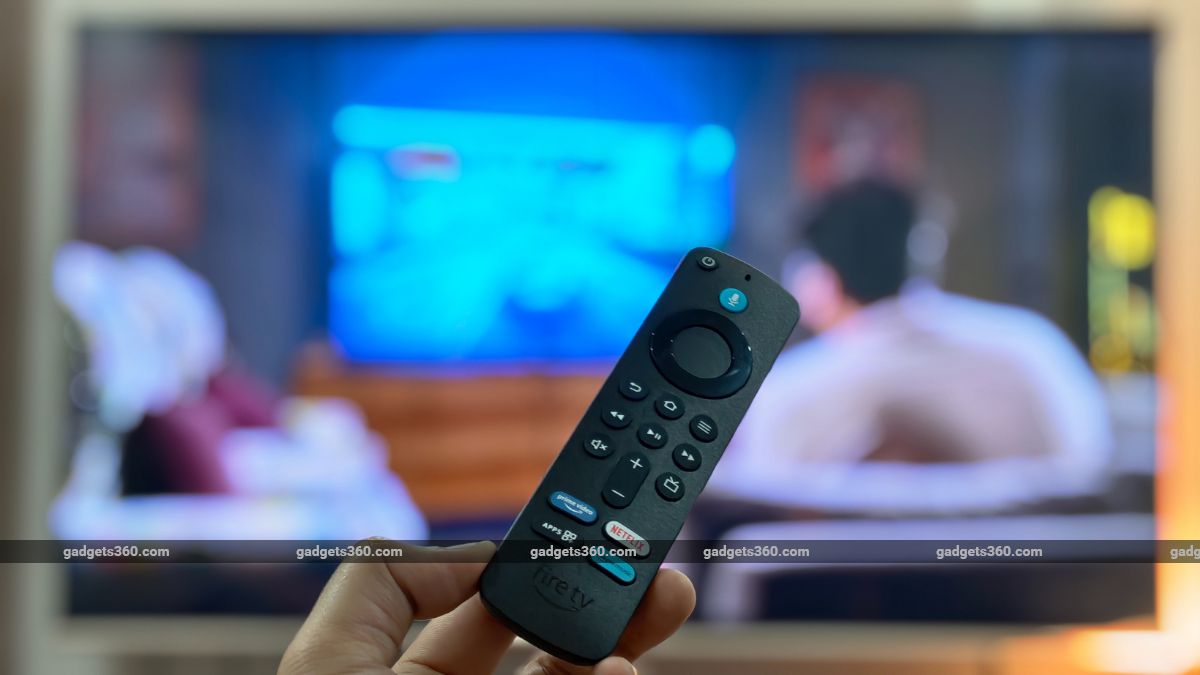
The Amazon Fire TV Stick 4K Select price in India is set at Rs. 5,499
Click Here to Add Gadgets360 As A Trusted Source

Advertisement
In recent years, streaming devices have become nearly as essential to modern TVs as HDMI cables and a stable internet connection. 4K has become mainstream even on mid-range TVs, and as more content moves to OTT platforms, a capable streaming stick can transform an old TV that is dying a slow death into a smart entertainment hub. The new Amazon Fire TV 4K Select arrives as a value-focused 4K streaming device in India, offering access to most major apps and Alexa voice control at a very accessible price.
The Amazon Fire TV Stick 4K Select is priced at Rs. 5,499 in India. So, does it deliver the experience people really want from a 4K streamer? Let's delve into the review to find out.
Amazon Fire TV Stick 4K Select Design: A Familiar Experience
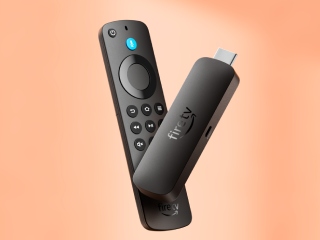
The Amazon Fire TV Stick 4K Select is nearly indistinguishable from other Fire TV dongles. It is a simple black stick with an Amazon logo that plugs into your TV's HDMI port. As with the Fire TV Stick 4K we reviewed earlier this year, Amazon has kept the entire experience simple here, too. There's no bulk or unnecessary bells and whistles; simply plug it into your TV, and it disappears behind the screen.
The dongle itself is minimalist. It has an HDMI connector at one end, which plugs directly into your TV, and a Micro-USB port on the other for powering up. There's no USB-C or Ethernet port on this stick itself, so you'll be required to rely on the bundled power adapter.
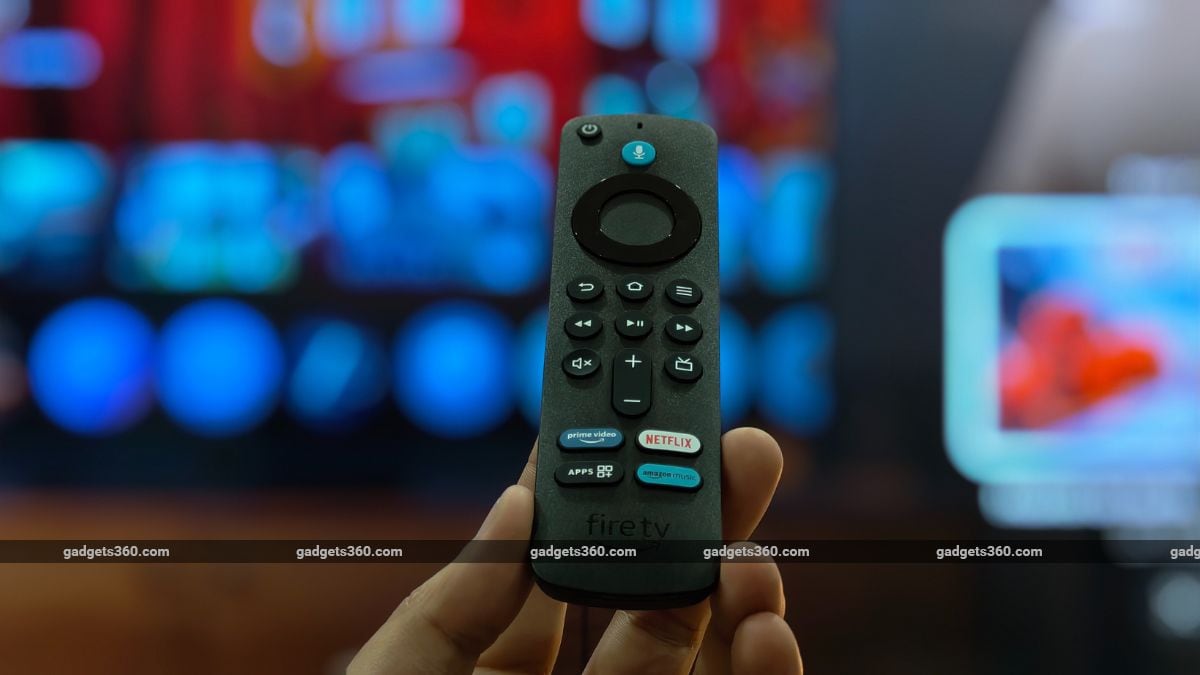
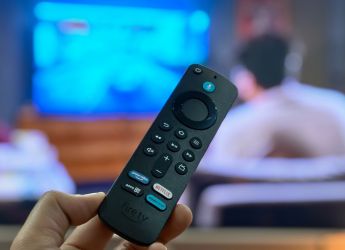
Next, the included Alexa Voice Remote is simplistic but functional. It's identical in form and function to that which comes with the Fire TV Stick 4K, boasting dedicated buttons for power, navigation, playback, and quick access to popular apps. There's also a microphone button for hands-free Alexa functions. It is ergonomic and gets the job done without fuss.
Amazon Fire TV Stick 4K Select Software and Performance: Fast and Straightforward
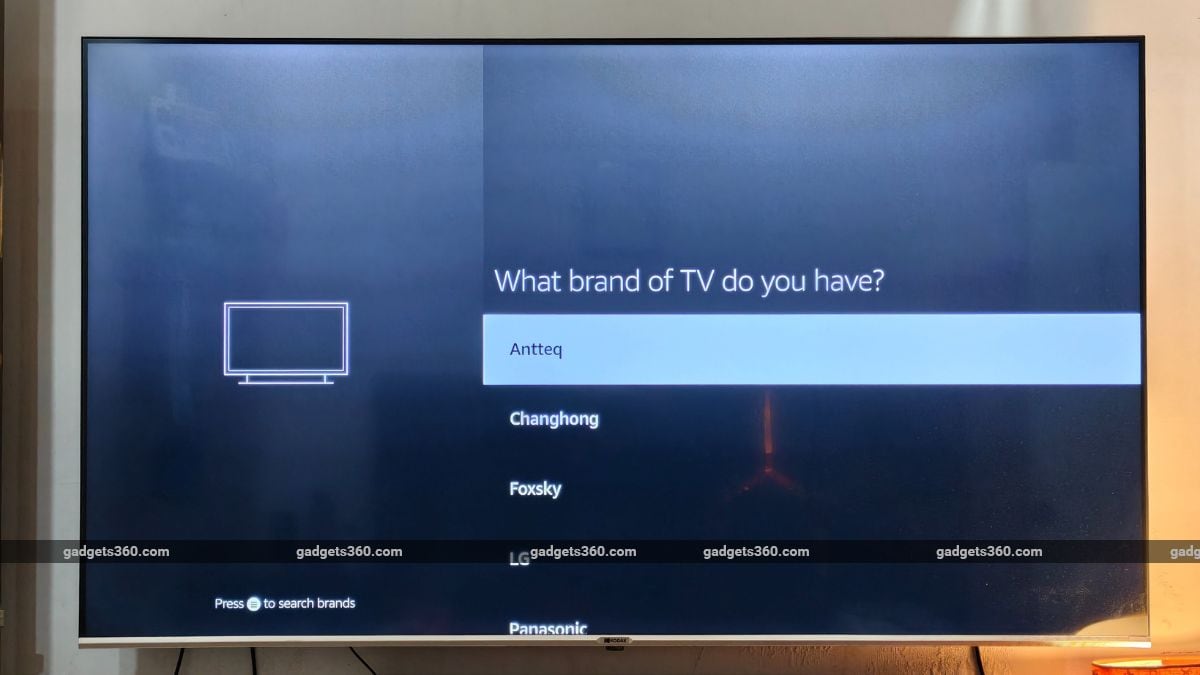
It's easy to get started with the Amazon Fire TV Stick 4K Select. Plug it into your TV, and as soon as it boots up, connect it to Wi-Fi and wait for any updates. To speed up the process of logging in, the streaming device also has an option to scan a QR code. As soon as it's booted up, you'll see the familiar Fire TV experience on the home screen, with rows of apps and suggestions from different services beneath a banner ad for promoted content. If you've ever used a Fire TV device, you'll quickly adjust.
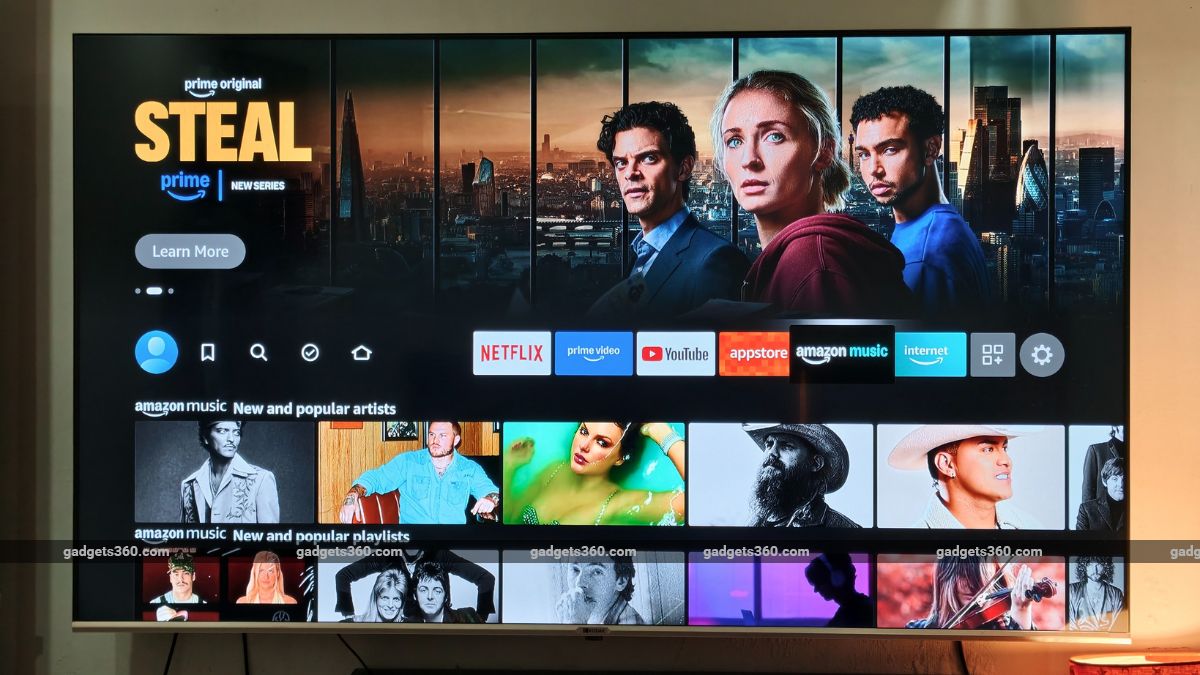
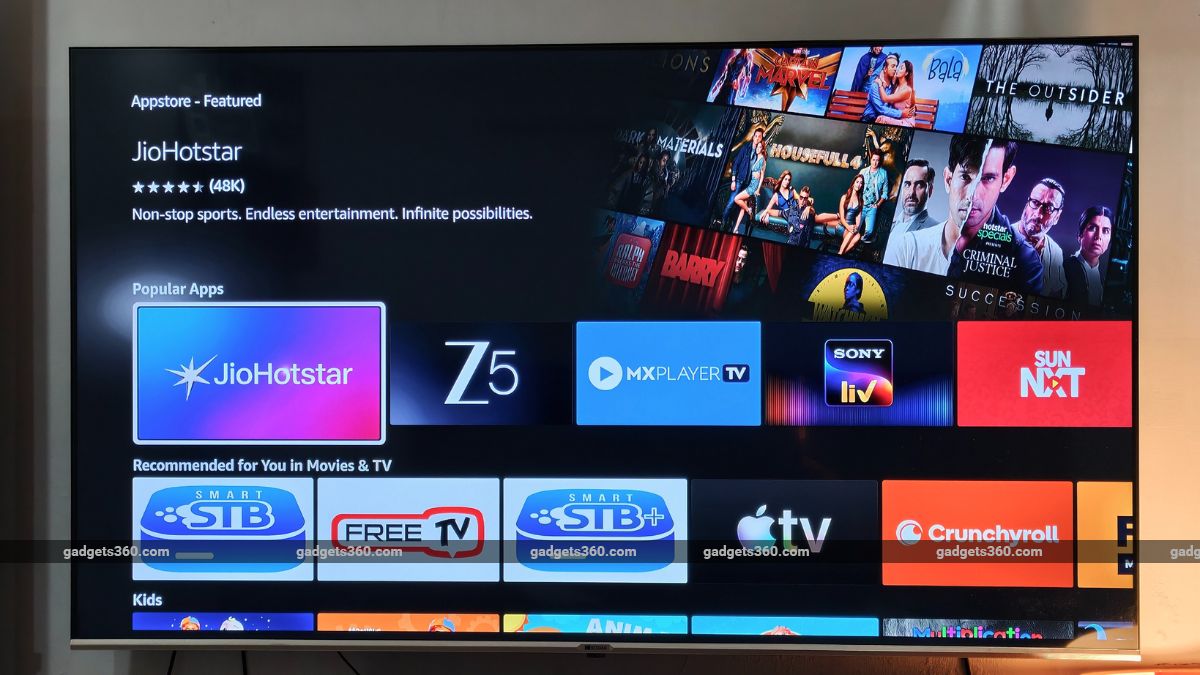
The Fire TV Stick 4K Select runs Linux-based Vega OS and is not a major departure from the Fire OS we have seen on previous iterations of the streaming device. It has the familiar tile-based layout and a horizontal-scrolling interface that lists apps, films, shows, and other content. Alongside the existing Home, Find, and Live TV sections, there is a new Free tab that, as the name suggests, displays all free content available to stream.
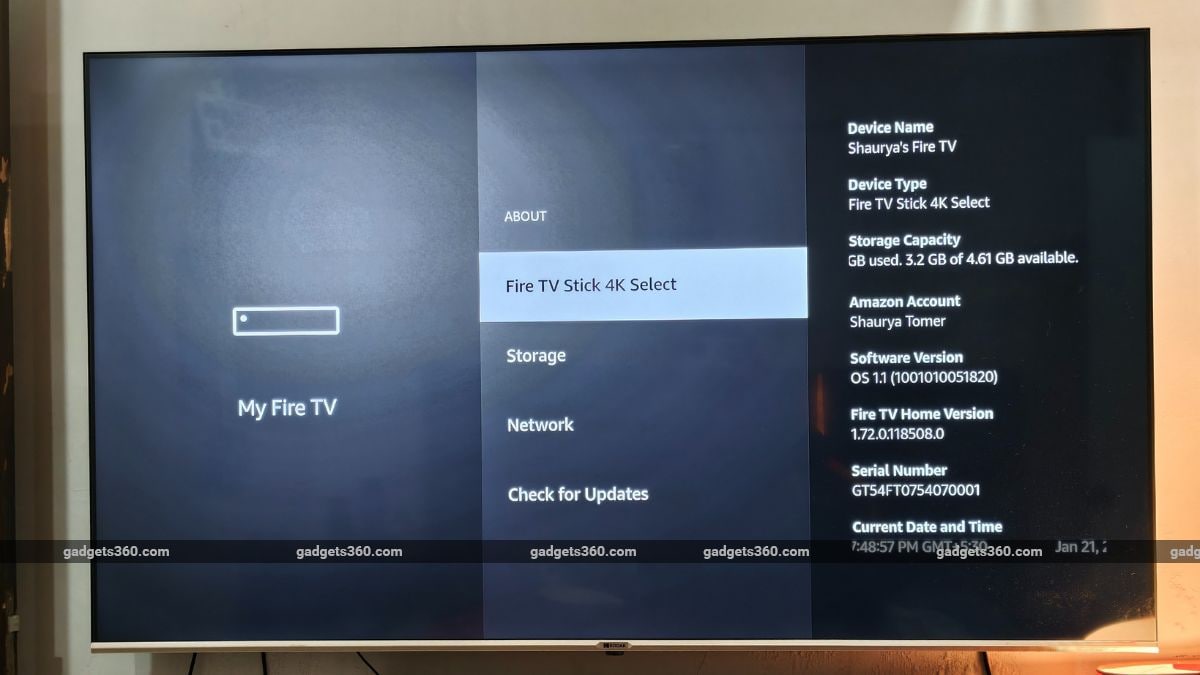
The interface loads fairly quickly, the menu layout stays fairly intuitive, and Amazon's content suggestions are front-and-centre without feeling intrusive once you're used to the layout. The OS delivers a stable experience when switching between apps or resuming suspended sessions. However, I did notice brief stutters on certain occasions, and I believe the meagre 8GB of onboard storage may be the culprit.
Alexa, however, works well. You can press and hold the microphone button while speaking to Alexa regarding which film or show you want to watch, adjust the volume, or launch an application via voice command. While voice search returns results from multiple sources, the streaming device will prioritise Amazon results when searching using voice search commands.
While it may seem visually familiar to Fire OS, the new Vega OS has a couple of differences under the hood. The most notable shift is the lack of sideloading. Amazon's new OS does not allow you to sideload apps. While not many users actually sideload apps onto their TV, taking this choice away from the user seems like a poor decision, irrespective of the ever-growing library of apps on the app store.
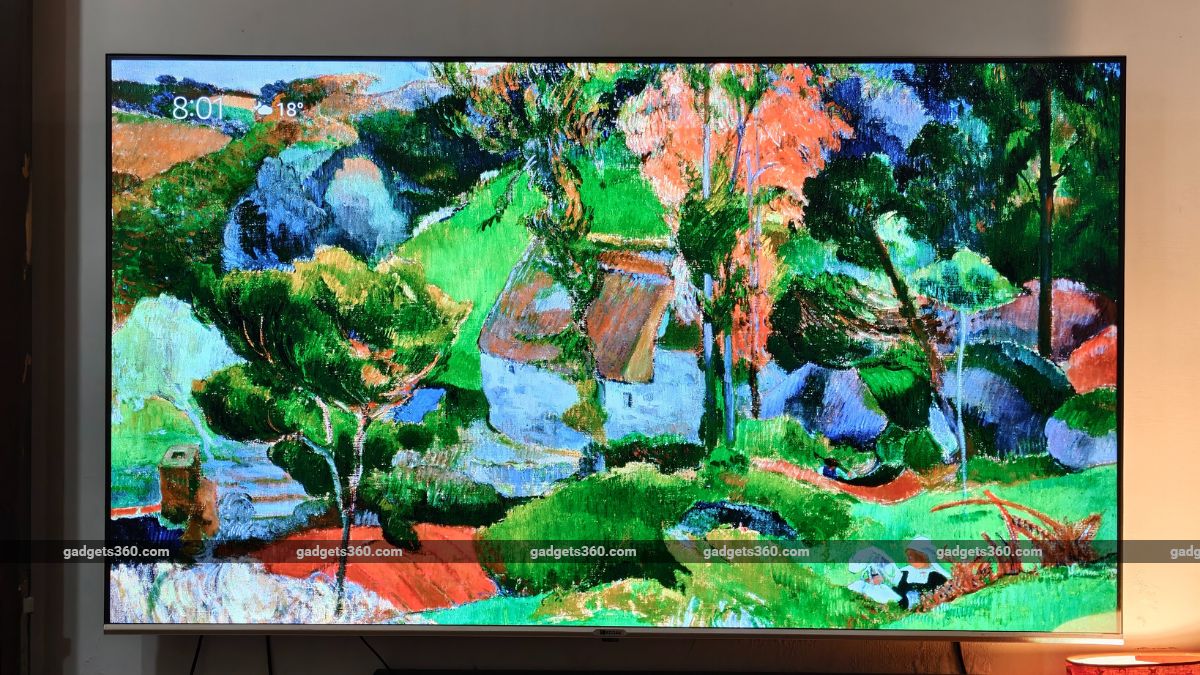
Another standout feature is the Fire TV Ambient experience. It basically turns your affordable TV into something akin to Samsung's Frame, displaying curated artworks. You can choose from more than 2,000 pieces of art designs and photographs, which can be displayed instead of the static black screen. This feature functions like an always-on smart display, but for your TV.
Another shortcoming is that the Fire TV Stick 4K Select only supports Wi-Fi 5, which is now an old standard and feels like a cost-cutting measure.
Amazon Fire TV Stick 4K Select Streaming Quality: Solid 4K Basics
One of the biggest reasons to choose a 4K streaming stick is the upgrade in picture clarity, and the Fire TV Stick 4K Select delivers on that promise. You get support for HDR10+ and 4K Ultra HD streaming, features that allow you to see sharper details in your pictures than you would get from a non-premium 4K TV model. I spent a considerable amount of time watching content from apps like Apple TV+, Netflix, and Prime Video, and the overall picture quality impressed me.
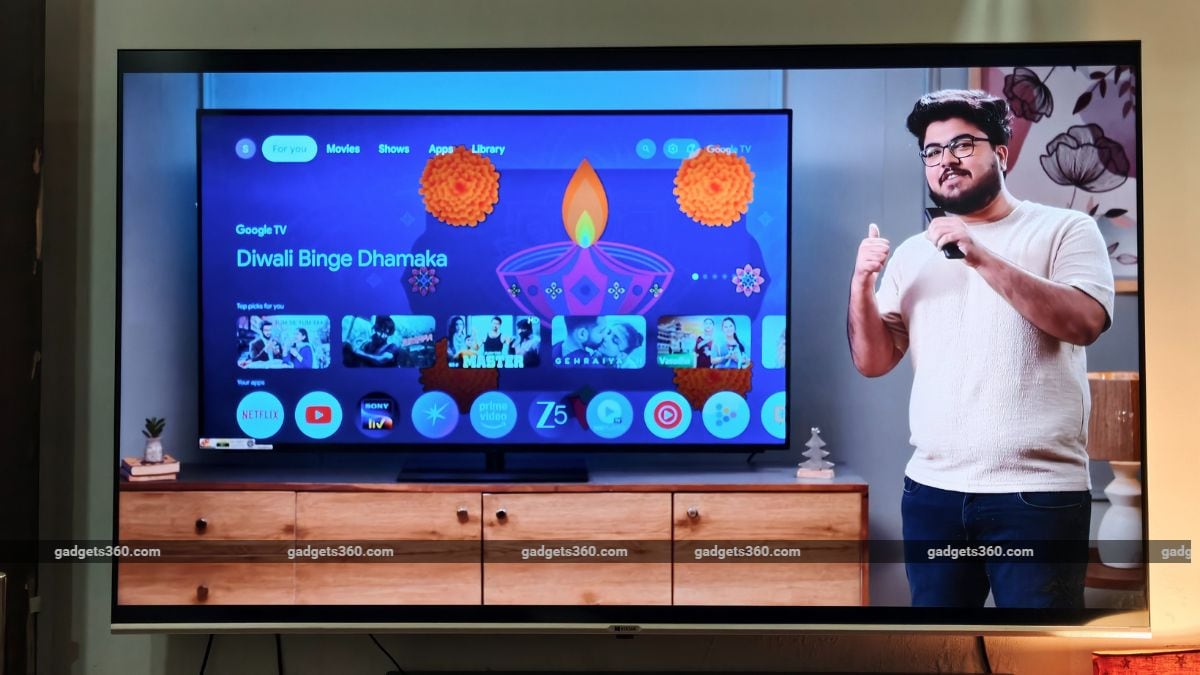
However, there's a big limitation to the streaming experience. The Amazon Fire TV Stick 4K Select does not support Dolby Vision, which is basically a richer HDR format. Nor does it support Dolby Atmos. This means that if you have a high-end TV connected to a soundbar, you won't be able to unlock its full potential with the Fire TV Stick 4K Select.
Notably, the e-commerce giant's Fire TV Stick 4K Plus supports both of these capabilities, despite being priced slightly lower.
Moving on to the streaming stability, playback is consistent with a reliable Wi-Fi connection. I did not experience buffering pauses more than a couple of times, but that was primarily due to my sketchy Wi-Fi and not the Fire TV Stick 4K Select's fault. Its performance and stability were considerably better than my Xiaomi TV Stick 4K.
Amazon Fire TV Stick 4K Select Verdict
Pros:
- Affordable 4K HDR10+ streaming
- Easy Alexa voice remote controls
- Ambient experience adds visual flair
- Simple setup and everyday use
Cons:
- No Dolby Vision or Dolby Atmos
- Limited internal storage
- Wi-Fi 5 only
Rating: 3.5/5
The Amazon Fire TV Stick 4K Select is all about providing an easy, hassle-free 4K streaming experience without unnecessary bells and whistles. It does all the basics correctly, such as easy setup, smooth interface, glitch-free performance and compatibility with all popular streaming services. The Vega OS interface is recognisable and largely responsive, and then there are other thoughtful details, such as Fire TV Ambient Experience, as well.
Yet, not having Dolby Vision and Dolby Atmos, Wi-Fi 5, and sideloading are among the disappointing factors that can make or break the experience for purists. At a price tag of Rs. 5,499, the Amazon TV Stick 4K Select positions itself as a sensible pick for everyday streaming, but power users may want to look higher up in Amazon's lineup.
Comments
Get your daily dose of tech news, reviews, and insights, in under 80 characters on Gadgets 360 Turbo. Connect with fellow tech lovers on our Forum. Follow us on X, Facebook, WhatsApp, Threads and Google News for instant updates. Catch all the action on our YouTube channel.
Further reading:
Amazon Fire TV Stick 4K Select, Amazon Fire TV Stick 4K Select Features, Amazon Fire TV Stick 4K Select India Launch, Amazon Fire TV Stick 4K Select Price in India, Amazon
Related Stories


Advertisement
Follow Us




-
![[Sponsored] Galaxy Watch9 for Everyday Health Insights | Smarter Wellness Choices](https://www.gadgets360.com/static/desktop/images/spacer.png)
01:42
[Sponsored] Galaxy Watch9 for Everyday Health Insights | Smarter Wellness Choices -
01:15
[Sponsored] Galaxy Tab S10 Lite for Students: Notes, Solve Math and More -
04:17
[Sponsored] LG NANO 4K UHD AI TV NU885: Gemini Search, Dolby Atmos & 5 Years of Updates -
00:57
[Sponsored] Samsung Galaxy Z Fold8 My Fan Cam in Action: Find the Moment, Then Share It -
01:41
[Sponsored] What Do You Need To Know Before Your Next Run? | Samsung Galaxy Watch Ultra2
-
Flipkart Big Bang Diwali Sale होगी 28 अक्टूबर से शुरू, iPhone 17 पर छूट
-
Tata Punch EV आई सबसे ज्यादा पसंद, 284% की ग्रोथ के साथ बनी नंबर 1 कार
-
Samsung Galaxy S25 FE 5G दिवाली सेल में ₹17 हजार से ज्यादा सस्ता
-
Redmi K100 में मिलेगा 'Snow Rock White' का नया कलर ऑप्शन
-
10000mAh की विशाल बैटरी वाला Vivo Y600 लॉन्च, नहीं रहेगा बार-बार चार्ज करने का झंझट
Advertisement
Popular on Gadgets
- Samsung Galaxy S26 Ultra
- Motorola Razr Fold
- ChatGPT
- OPPO Find N6
- Mobiles Under Rs. 40,000
- Vivo X300 Ultra
- Asus Zenbook S14
- iQOO 15
- Vivo X300 Pro
- Lenovo Yoga Slim 7i Aura Edition
- iQOO 15R
- Vivo X Fold 5
- Sony PlayStation 5
- HP OmniPad 12
- OnePlus Nord CE 6 Lite
- OnePlus Pad 4
- OPPO F33 Pro 5G
- Cryptocurrency
- HP OmniBook Ultra 14 (2026)
- iPhone 17
- Eureka Forbes AP 355 Room Air Purifier
- Latest Mobile Phones
- Compare Phones
Latest Gadgets
- Vivo Y600
- HMD 2660 Flip Senior Edition
- Lava Aura Curve
- Poco X8s
- Samsung Galaxy F70 5G
- Tecno Spark 50S 5G
- Vivo Y600s Pro
- Vivo Y32 (2026)
- Lenovo Yoga 9n 2-in-1
- Lenovo Yoga Pro 9n
- Amazon Alexa Tablet 8
- Amazon Alexa Tablet 11
- Pebble Qore 2
- Amazfit T-Rex Dual Solar
- Toshiba 65-Inch 4K Ultra HD Smart Mini LED QLED TV (65Z670SP)
- Haier M70 Mini LED 65-inch
- Acer Predator Atlas 8
- Asus ROG Ally
- Blue Star 1.5 Ton 5 Star Inverter Split AC (IE518ZNURS)
- Blue Star 2 Ton 3 Star Inverter Window AC (WIE324L)

- About Us
- Sitemaps
- Feedback
- Archives
- Contact Us
- RSS
- Advertise
- Career
- Privacy Policy
- Ethics
- Editorial Policy
- Terms & Conditions
- Complaint Redressal
Download Our Apps
Available in Hindi
© Copyright Red Pixels Ventures Limited 2026. All rights reserved.
-
 Apple Watch Series 12
Starts from ₹56,900
Apple Watch Series 12
Starts from ₹56,900
-
 Samsung Galaxy Watch Ultra 2
Starts from ₹62,479
Samsung Galaxy Watch Ultra 2
Starts from ₹62,479
-
 Samsung Galaxy Watch 9 (44mm, LTE)
Starts from ₹41,999
Samsung Galaxy Watch 9 (44mm, LTE)
Starts from ₹41,999
-
 Samsung Galaxy Watch 9 (40mm, LTE)
Starts from ₹38,999
Samsung Galaxy Watch 9 (40mm, LTE)
Starts from ₹38,999
-
 Samsung Galaxy Watch 9 (40mm)
Starts from ₹36,999
Samsung Galaxy Watch 9 (40mm)
Starts from ₹36,999
-
 Samsung Galaxy Watch 9 (44mm)
Starts from ₹40,999
Samsung Galaxy Watch 9 (44mm)
Starts from ₹40,999
-
 CoinDCX Discloses $15.99 Million Loss After Previously Denying Hack Reports
-
 Amazon Great Indian Festival Reloaded Sale 2026: Best Deals on Power Banks
-
 Amazon Great Indian Festival Reloaded Sale 2026: Best Deals on Smart TVs
-
 WhatsApp Working on Organizations Feature to Help Admins Manage Large Communities: Report