-
 CMF Speaker S and Speaker M Launched With Up to 18 Hours of Battery Life, Up to 35W Total Output: Price, Specifications13 October 2026
 -
Nothing OS 5.0 Stable Update Rolls Out With New Widgets, System Improvements13 October 2026
-
Best Gaming Smartphones Under Rs. 50,000: Redmi Turbo 5, OnePlus Nord 6, and more4 October 2026
-
Nothing Deals Revealed for Phone 4 Series, CMF Buds Lineup, More Ahead of Flipkart's Big Billion Days Sale2 October 2026
-
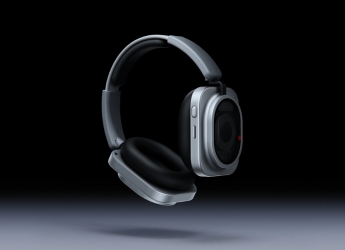
Nothing Headphone (1) Pro Launched With Triple Drivers, 46dB ANC and 68-Hour Battery Life: Price, Specifications29 September 2026
Nothing Warp App With Support for Android to Mac File Transfers Removed Shortly After Launch
Nothing Warp uses both an app and a browser extension to enable the file-sharing feature.
Written by Dhruv Raghav, Edited by Ketan Pratap | Updated: 16 April 2026 14:36 IST
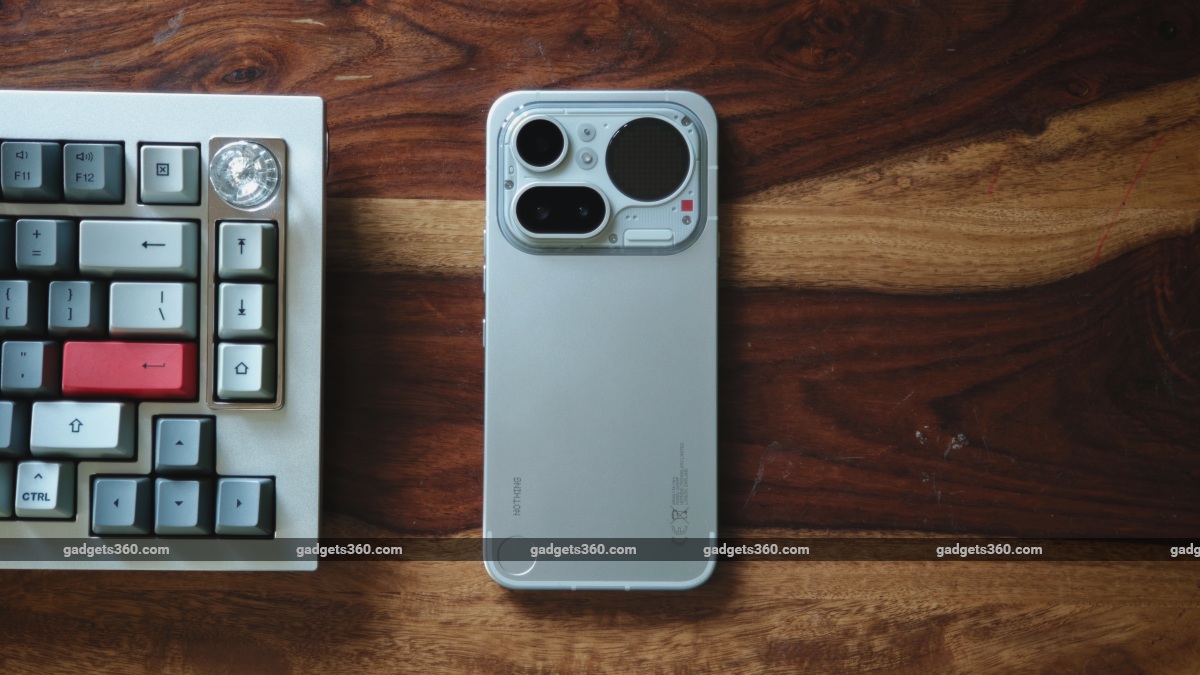
Nothing Warp app is available via the Google Play Store
Click Here to Add Gadgets360 As A Trusted Source

Advertisement
Apple's AirDrop has helped iPhone users conveniently share images, documents, and videos with their Mac devices for years. Recently, reports emerged of Google testing a tap-to-share feature for its upcoming Android 17 update, bringing similar functionality to Android smartphones. Now, Nothing has launched its new Warp app, which also aims to solve a similar problem. The new platform from the Carl Pei-led tech firm allows users to directly share different types of files from their Android phone to a Mac device. Nothing's Warp uses a combination of an app and a browser extension to make this possible on the two devices running different OS.
Update (2:35pm): The company appears to have pulled the Nothing Warp app from the Google Play Store, as well as the Chrome Web Store. Nothing has yet to offer a reason why the app is no longer available.
- Nothing or Pixel for clean software?
- Nothing Phone (4b) is finally here — do you think unique design still matters when buying a phone?
- Nothing Ear 3a colour options look nice
- Nothing Phone 4b Design Has Been Revealed Along with Key Features. What Are Your Thoughts?
- Nothing Ear 3a Launch Date Announced. Here’s What You Need to Know?
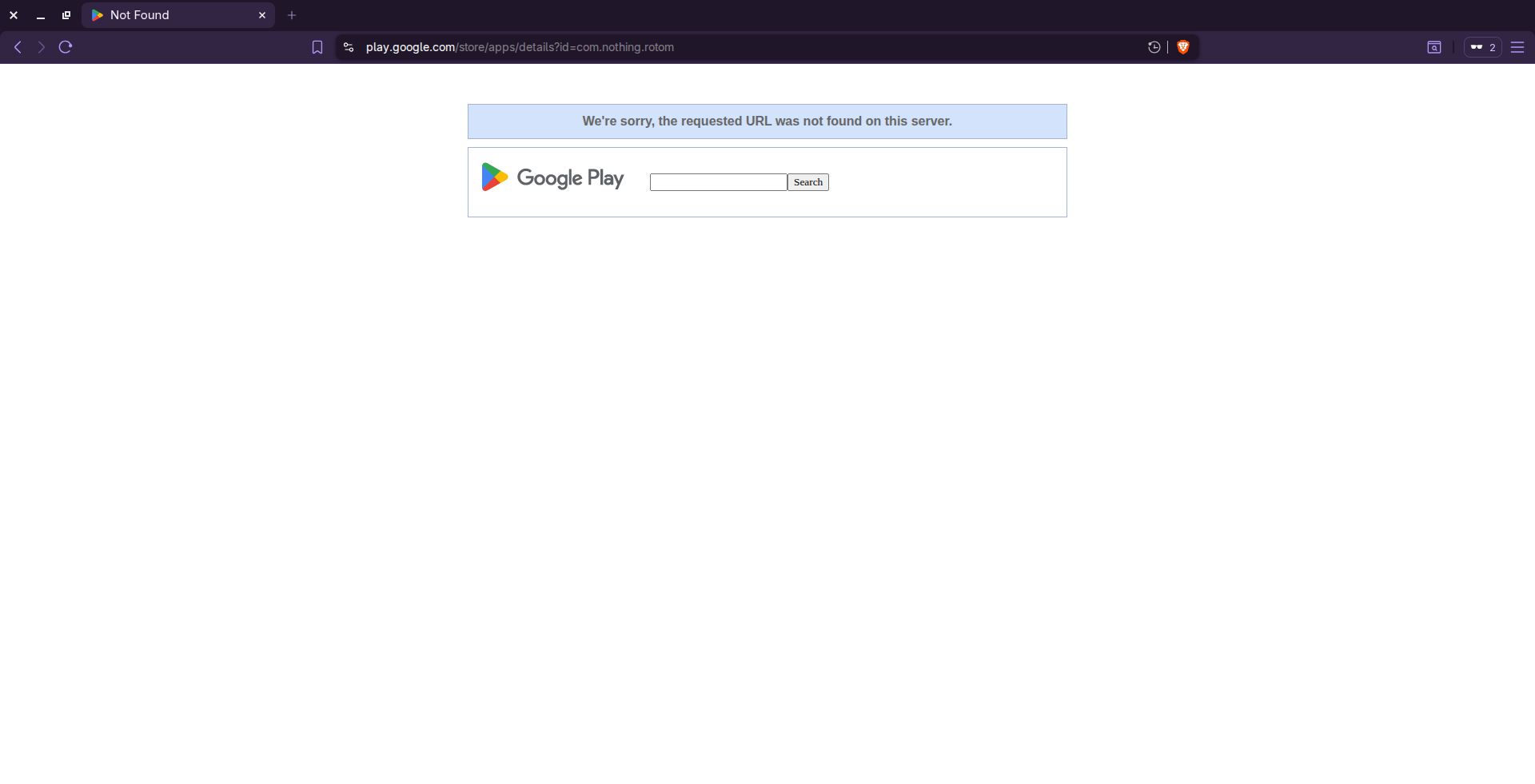
Photo Credit: Screenshot/ Play Store
Nothing Warp Introduced With AirDrop-Like Features
In a community post, the London-based smartphone maker announced that it has launched the Nothing Warp app and browser extension, which enables file-sharing between Android smartphones and computers running macOS, Windows, and Linux. By combining the Nothing Warp on the phone with the browser extension, which is only supported on Chromium-based browsers, users can conveniently share images, videos, clipboard text, links, and other files across multiple platforms.
The Carl Pei-led tech firm also highlighted that Nothing Warp transfers files between multiple devices using the user's private Google Drive. The company claims that during file sharing, documents, images, and links are never saved on Nothing Warp as a privacy and security measure. The functionality works in either direction, which means that it can be used for sending files from Android phones to computers, and to Android phones from desktops.
The Nothing Warp app and extension are available on the Google Play Store and Chrome Web Store, respectively. When a user downloads the Nothing Warp app, which is claimed to be a “lightweight” platform that utilises fewer device resources, the Warp feature starts appearing in the handset's share menu.
Meanwhile, it also requires users to install the Warp extension in Google Chrome or another Chromium-based browser. Once installed, users must log in to both platforms using their Google account, which will facilitate file transfer via their Google Drive.
To send a file from an Android phone to a Mac, the user will have to select the file they wish to share, tap the Share button, then select the "Nothing Warp" icon. The file will appear on the user's desktop browser. Similarly, they can send the file from a Mac or Windows PC to an Android phone by uploading it via the extension. Alternatively, they can right-click any highlighted content and tap Send with Nothing Warp, or paste the content directly into the extension window.
Comments
Get your daily dose of tech news, reviews, and insights, in under 80 characters on Gadgets 360 Turbo. Connect with fellow tech lovers on our Forum. Follow us on X, Facebook, WhatsApp, Threads and Google News for instant updates. Catch all the action on our YouTube channel.
Further reading:
Nothing, Nothing Warp
Related Stories

Nothing Warp App With Support for Android to Mac File Transfers Removed Shortly After Launch


Advertisement
Follow Us




-
04:17
[Sponsored] LG NANO 4K UHD AI TV NU885: Gemini Search, Dolby Atmos & 5 Years of Updates -
00:57
[Sponsored] Samsung Galaxy Z Fold8 My Fan Cam in Action: Find the Moment, Then Share It -
01:41
[Sponsored] What Do You Need To Know Before Your Next Run? | Samsung Galaxy Watch Ultra2 -
01:32
[Sponsored] Big Day Tomorrow? Prep Today | Samsung Galaxy Watch Ultra2 -
04:37
[Sponsored]: CP PLUS CarKam CP-F89B: 4K Dashcam With Rear Camera, GPS & Emergency Recording
-
Dell Pro Essential 14, Essential 15 लॉन्च, सिक्योरिटी के लिए गजब फीचर्स
-
Flipkart Big Billion Days Sale: ₹15 हजार में स्टूडेंट के लिए बेस्ट लैपटॉप
-
Amazon Great Indian Festival Sale: 10 हजार से सस्ते मिल रहे ये स्मार्टफोन
-
Poco X8s के जल्द लॉन्च की तैयारी, 50 मेगापिक्सल हो सकता है प्राइमरी कैमरा
-
Amazon पर Samsung Galaxy A56 5G, Flipkart पर Motorola Edge 70 Fusion की डील, ₹30 हजार में कौनसा फोन बेहतर?
Advertisement
Popular on Gadgets
- Samsung Galaxy S26 Ultra
- Motorola Razr Fold
- ChatGPT
- OPPO Find N6
- Mobiles Under Rs. 40,000
- Vivo X300 Ultra
- Asus Zenbook S14
- iQOO 15
- Vivo X300 Pro
- Lenovo Yoga Slim 7i Aura Edition
- iQOO 15R
- Vivo X Fold 5
- Sony PlayStation 5
- HP OmniPad 12
- OnePlus Nord CE 6 Lite
- OnePlus Pad 4
- OPPO F33 Pro 5G
- Cryptocurrency
- HP OmniBook Ultra 14 (2026)
- iPhone 17
- Eureka Forbes AP 355 Room Air Purifier
- Latest Mobile Phones
- Compare Phones
Latest Gadgets
- Vivo Y600s Pro
- Vivo Y32 (2026)
- Infinix Smart 20 HD
- Vivo V80
- Vivo S2 FE
- Vivo Y600K Turbo
- Realme P4s Lite
- Vivo S60t
- HP ZBook Ultra G3a
- Dell Pro Rugged 14
- Amazon Alexa Tablet 8
- Amazon Alexa Tablet 11
- Amazfit T-Rex Dual Solar
- OPPO Watch S2
- Toshiba 65-Inch 4K Ultra HD Smart Mini LED QLED TV (65Z670SP)
- Haier M70 Mini LED 65-inch
- Acer Predator Atlas 8
- Asus ROG Ally
- Blue Star 1.5 Ton 5 Star Inverter Split AC (IE518ZNURS)
- Blue Star 2 Ton 3 Star Inverter Window AC (WIE324L)

- About Us
- Sitemaps
- Feedback
- Archives
- Contact Us
- RSS
- Advertise
- Career
- Privacy Policy
- Ethics
- Editorial Policy
- Terms & Conditions
- Complaint Redressal
Download Our Apps
Available in Hindi
© Copyright Red Pixels Ventures Limited 2026. All rights reserved.