- Home
- How to
- How to Features
- How To Check Passport Status Online: A Step By Step Guide
How To Check Passport Status Online: A Step-By-Step Guide
You can track your passport application status, police verification status, and dispatch status online via the Passport Seva online portal.
Written by Dhruv Raghav, Edited by David Delima | Updated: 2 February 2026 19:02 IST
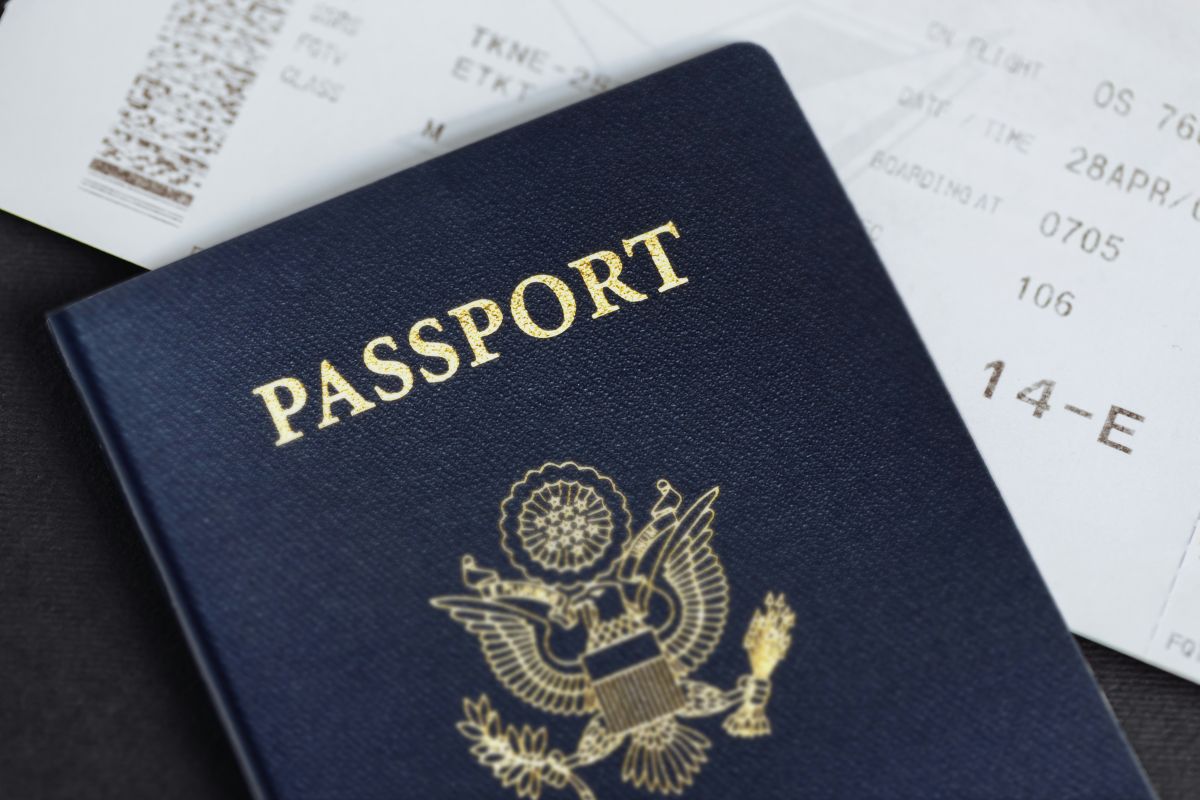
Photo Credit: Unsplash/ Global Residence Index
Here's How You Can Check Your Passport Application Status Online via Passport Seva online portal
Click Here to Add Gadgets360 As A Trusted Source

Advertisement
There are multiple steps between filing your passport application and receiving the physical copy of your passport. After filling out an application form, you must provide copies of your documents, book an appointment online for document verification, visit your nearest Passport Seva Kendra, and go through police verification to get your passport. Keeping track of the different verification stages is important. You can track your passport application status, passport police verification status, and passport dispatch and delivery status online through the Passport Seva online portal and the mobile app.
Here's a step-by-step guide for you, helping you to check your passport application status, passport police verification status, and your passport dispatch status online, using the Passport Seva online portal and the mobile app. Alternatively, you can also check out how to book your passport appointment online here.
How to Check Passport Application, Police Verification, Dispatch Status Online Using Passport Seva Online Portal?
- Visit the Passport Seva online portal or click here.
- Under the quick links menu, click on the Track Passport Application button.
- From the Application Type drop-down menu, select Passport/PCC/IC/GEP option.
- Then enter your 15-digit file number, which is mentioned in your passport application receipt. (You receive the receipt after you pay the application fee online.)
- You need to mention your registered date of birth that is mentioned in your documents.
- Then, click on the Track Application Status button.
- You will be redirected to a new page, which will show you your updated passport application status, along with the stage of your application.
How to Check Passport Application, Police Verification, Dispatch Status Online Using Passport Seva Mobile App?
- Download the Passport Seva app from the Google Play Store if you're an Android user or Apple's App Store if you have an iPhone.
- You do not need to log in to check your passport application status.
- Simply click on the Status Tracker button in the top-right corner of the screen.
- Select the application type > enter your 15-digit file number > enter your registered date of birth.
- Then, tap on the Track Status button.
- You will be redirected to a new page with your updated application status.
FAQs
1. Can I check my passport police verification status?
Yes, you can check your police verification online, allowing you to keep track of your application status.
2. What do I need to check my passport application status online?
You need your 15-digit file number, which is mentioned in your application receipt.
3. Where can I download the Passport Seva application from?
You can download the Passport Seva mobile application from Apple's App Store if you have an iPhone or from Google's Play Store if you have an Android phone.
Comments
Get your daily dose of tech news, reviews, and insights, in under 80 characters on Gadgets 360 Turbo. Connect with fellow tech lovers on our Forum. Follow us on X, Facebook, WhatsApp, Threads and Google News for instant updates. Catch all the action on our YouTube channel.


Advertisement
Follow Us




-
![[Sponsored] LG NANO 4K UHD AI TV NU885: Gemini Search, Dolby Atmos & 5 Years of Updates](https://www.gadgets360.com/static/desktop/images/spacer.png)
04:17
[Sponsored] LG NANO 4K UHD AI TV NU885: Gemini Search, Dolby Atmos & 5 Years of Updates -
00:57
[Sponsored] Samsung Galaxy Z Fold8 My Fan Cam in Action: Find the Moment, Then Share It -
01:41
[Sponsored] What Do You Need To Know Before Your Next Run? | Samsung Galaxy Watch Ultra2 -
01:32
[Sponsored] Big Day Tomorrow? Prep Today | Samsung Galaxy Watch Ultra2 -
04:37
[Sponsored]: CP PLUS CarKam CP-F89B: 4K Dashcam With Rear Camera, GPS & Emergency Recording
-
Dell Pro Essential 14, Essential 15 लॉन्च, सिक्योरिटी के लिए गजब फीचर्स
-
Flipkart Big Billion Days Sale: ₹15 हजार में स्टूडेंट के लिए बेस्ट लैपटॉप
-
Amazon Great Indian Festival Sale: 10 हजार से सस्ते मिल रहे ये स्मार्टफोन
-
Amazon Great Indian Festival Sale 2026: ₹35 हजार में OnePlus का 8000mAh बैटरी, Snapdragon चिप वाला फोन
-
₹13 हजार सस्ती कीमत में मिल रहा iPhone 17 Pro, जानें पूरा ऑफर
Advertisement
Popular on Gadgets
- Samsung Galaxy S26 Ultra
- Motorola Razr Fold
- ChatGPT
- OPPO Find N6
- Mobiles Under Rs. 40,000
- Vivo X300 Ultra
- Asus Zenbook S14
- iQOO 15
- Vivo X300 Pro
- Lenovo Yoga Slim 7i Aura Edition
- iQOO 15R
- Vivo X Fold 5
- Sony PlayStation 5
- HP OmniPad 12
- OnePlus Nord CE 6 Lite
- OnePlus Pad 4
- OPPO F33 Pro 5G
- Cryptocurrency
- HP OmniBook Ultra 14 (2026)
- iPhone 17
- Eureka Forbes AP 355 Room Air Purifier
- Latest Mobile Phones
- Compare Phones
Latest Gadgets
- Vivo Y600s Pro
- Vivo Y32 (2026)
- Infinix Smart 20 HD
- Vivo V80
- Vivo S2 FE
- Vivo Y600K Turbo
- Realme P4s Lite
- Vivo S60t
- HP ZBook Ultra G3a
- Dell Pro Rugged 14
- Amazon Alexa Tablet 8
- Amazon Alexa Tablet 11
- Amazfit T-Rex Dual Solar
- OPPO Watch S2
- Toshiba 65-Inch 4K Ultra HD Smart Mini LED QLED TV (65Z670SP)
- Haier M70 Mini LED 65-inch
- Acer Predator Atlas 8
- Asus ROG Ally
- Blue Star 1.5 Ton 5 Star Inverter Split AC (IE518ZNURS)
- Blue Star 2 Ton 3 Star Inverter Window AC (WIE324L)

- About Us
- Sitemaps
- Feedback
- Archives
- Contact Us
- RSS
- Advertise
- Career
- Privacy Policy
- Ethics
- Editorial Policy
- Terms & Conditions
- Complaint Redressal
Download Our Apps
Available in Hindi
© Copyright Red Pixels Ventures Limited 2026. All rights reserved.