
-
 How to Create AI Stickers on WhatsApp for Personalised New Year 2026 Wishes: A Step-by-Step Guide31 December 2025
 -
WhatsApp Begins Testing Camera Zoom Control Feature, Sticker Creation Shortcuts9 May 2024
-
How to Create AI-Generated Stickers on WhatsApp: Steps to Follow20 August 2023
-
WhatsApp Beta Adds Screen Lock for Web Interface, Tests Support for AI-Generated Stickers on Android16 August 2023
- Home
- How to
- How to Features
- How to Create AI Stickers on WhatsApp for Customised Republic Day 2026 Wishes: A Step by Step Guide
How to Create AI Stickers on WhatsApp for Customised Republic Day 2026 Wishes: A Step-by-Step Guide
You can create custom stickers using simple text prompts and share them instantly with friends and family.
Written by Sucharita Ganguly, Edited by David Delima | Updated: 25 January 2026 10:00 IST
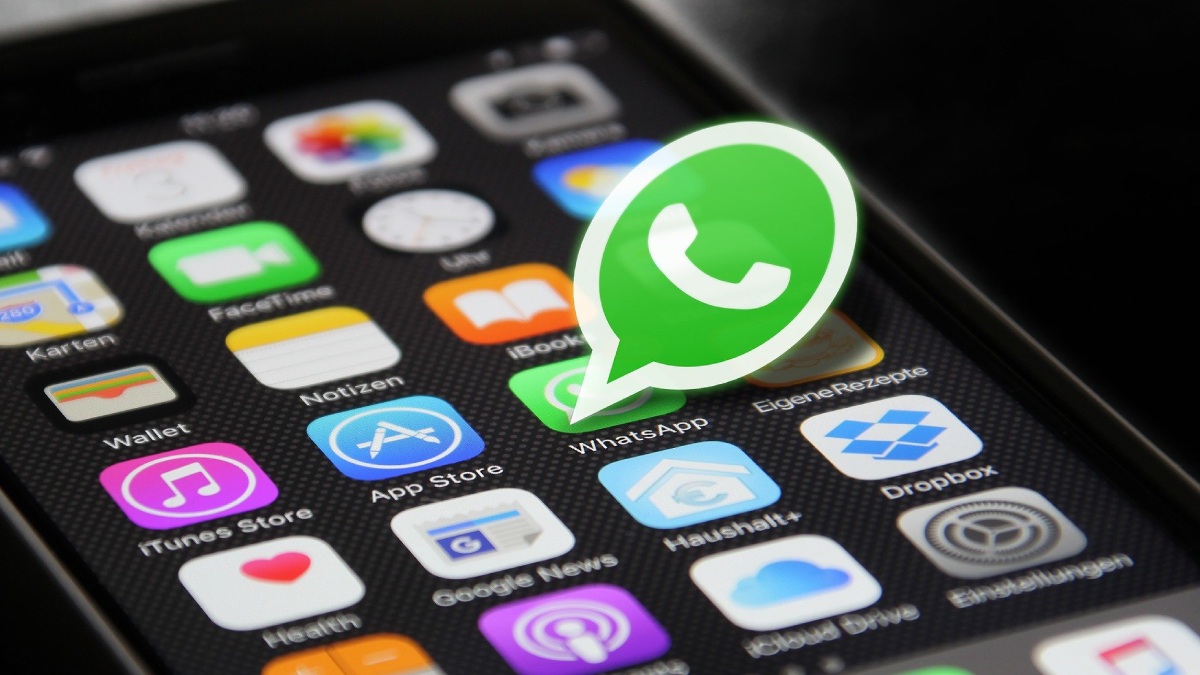
Photo Credit: Pixabay
Make sure WhatsApp is updated to the latest version on your Android or iOS phone
Click Here to Add Gadgets360 As A Trusted Source

Advertisement
Republic Day is all about celebrating the spirit of India, and if you are planning to send wishes this year, WhatsApp's AI Stickers can make them feel a lot more personal. Instead of forwarding the same old images, you can create custom stickers that match your mood, your message, and your style. Whether you want something patriotic with the tricolour, a fun cartoon-style design, or a simple “Happy Republic Day 2026” sticker, WhatsApp lets you do it in just a few taps. The feature uses AI to turn your text prompts into shareable stickers, making your chats feel more festive and thoughtful.
How to Create and Share AI Stickers For Republic Day 2026
If you want to send something more fun and personal than a text message this Republic Day 2026, WhatsApp's AI Stickers feature can help you do exactly that. You can create custom stickers using simple text prompts and share them instantly with friends and family. Before you begin, make sure WhatsApp is updated to the latest version on your Android or iOS phone.
- Open WhatsApp on your smartphone and make sure you are signed in.
- Open a chat where you want to send your Republic Day 2026 sticker.
- Tap the emoji icon inside the message box at the bottom of the screen.
- Switch to the Stickers tab by tapping the square-shaped icon.
- Tap the Create or plus (+) button inside the Stickers section. On some versions of the app, this option appears as AI Stickers.
- Type a short prompt describing the sticker you want. You can try prompts like “Republic Day 2026 sticker with Indian flag,” “Happy Republic Day 2026 text in tricolour,” or “Cartoon-style Republic Day celebration sticker.”
- Wait for WhatsApp to generate a few AI sticker options based on your prompt.
- Scroll through the results, pick the sticker you like, and tap it to send instantly.
You can also save your AI-generated stickers for later use. WhatsApp allows you to view, resend, or edit stickers after creation. Since the stickers are generated using AI, some designs may not look perfect. If you come across a sticker that feels incorrect or inappropriate, you can report it directly from the app.
If you prefer ready-made options, WhatsApp also offers Republic Day or patriotic sticker packs in the sticker store. You can browse them under the All Stickers section and add them to your collection with a single tap.
FAQs
1. How do AI Stickers work on WhatsApp for Republic Day 2026?
AI Stickers on WhatsApp use text prompts to generate custom stickers. You describe the kind of Republic Day sticker you want, and WhatsApp creates multiple sticker options that you can send or save.
2. Do I need a special app or update to create AI Stickers on WhatsApp?
No separate app is needed, but you must update WhatsApp to the latest version on Android or iOS. The AI Stickers feature is still rolling out, so it may not be available in all regions yet.
3. Can I save or report AI-generated stickers on WhatsApp?
Yes, you can save AI-generated stickers for future use. They will appear alongside your other stickers in the messaging app.
4. Does WhatsApp allow users to report AI-generated stickers?
If a sticker appears incorrect or inappropriate, WhatsApp allows you to report it directly from within the app.
Comments
Get your daily dose of tech news, reviews, and insights, in under 80 characters on Gadgets 360 Turbo. Connect with fellow tech lovers on our Forum. Follow us on X, Facebook, WhatsApp, Threads and Google News for instant updates. Catch all the action on our YouTube channel.
Related Stories




How to Create AI Stickers on WhatsApp for Customised Republic Day 2026 Wishes: A Step-by-Step Guide


Advertisement
Follow Us




-
01:42
[Sponsored] Galaxy Watch9 for Everyday Health Insights | Smarter Wellness Choices -
01:15
[Sponsored] Galaxy Tab S10 Lite for Students: Notes, Solve Math and More -
04:17
[Sponsored] LG NANO 4K UHD AI TV NU885: Gemini Search, Dolby Atmos & 5 Years of Updates -
00:57
[Sponsored] Samsung Galaxy Z Fold8 My Fan Cam in Action: Find the Moment, Then Share It -
01:41
[Sponsored] What Do You Need To Know Before Your Next Run? | Samsung Galaxy Watch Ultra2
-
NVIDIA के सीईओ ने पेश किए माइक्रोडक रोबोट, AI से चलते हैं, क्या काम आएंगे
-
iPhone Duo को बीच से खोला, फोल्डेबल डिस्प्ले से हटाया कवर, फिर क्या दिखा?
-
1 जनवरी से फोन में बिना सिम नहीं चलेगा WhatsApp, सिम बाइडिंग हुआ अनिवार्य
-
Amazon Sale में ₹15 हजार सस्ता हो गया Redmi का 50MP AI कैमरा, 6000mAh बैटरी वाला फोन!
-
Oppo ला रही नया अफॉर्डेबल टैबलेट, 45W फास्ट चार्जिंग फीचर से होगा लैस!
Advertisement
Popular on Gadgets
- Samsung Galaxy S26 Ultra
- Motorola Razr Fold
- ChatGPT
- OPPO Find N6
- Mobiles Under Rs. 40,000
- Vivo X300 Ultra
- Asus Zenbook S14
- iQOO 15
- Vivo X300 Pro
- Lenovo Yoga Slim 7i Aura Edition
- iQOO 15R
- Vivo X Fold 5
- Sony PlayStation 5
- HP OmniPad 12
- OnePlus Nord CE 6 Lite
- OnePlus Pad 4
- OPPO F33 Pro 5G
- Cryptocurrency
- HP OmniBook Ultra 14 (2026)
- iPhone 17
- Eureka Forbes AP 355 Room Air Purifier
- Latest Mobile Phones
- Compare Phones
Latest Gadgets
- HMD 2660 Flip Senior Edition
- Lava Aura Curve
- Poco X8s
- Samsung Galaxy F70 5G
- Tecno Spark 50S 5G
- Vivo Y600s Pro
- Vivo Y32 (2026)
- Infinix Smart 20 HD
- Lenovo Yoga 9n 2-in-1
- Lenovo Yoga Pro 9n
- Amazon Alexa Tablet 8
- Amazon Alexa Tablet 11
- Pebble Qore 2
- Amazfit T-Rex Dual Solar
- Toshiba 65-Inch 4K Ultra HD Smart Mini LED QLED TV (65Z670SP)
- Haier M70 Mini LED 65-inch
- Acer Predator Atlas 8
- Asus ROG Ally
- Blue Star 1.5 Ton 5 Star Inverter Split AC (IE518ZNURS)
- Blue Star 2 Ton 3 Star Inverter Window AC (WIE324L)

- About Us
- Sitemaps
- Feedback
- Archives
- Contact Us
- RSS
- Advertise
- Career
- Privacy Policy
- Ethics
- Editorial Policy
- Terms & Conditions
- Complaint Redressal
Download Our Apps
Available in Hindi
© Copyright Red Pixels Ventures Limited 2026. All rights reserved.
-
 Apple Watch Series 12
Starts from ₹56,900
Apple Watch Series 12
Starts from ₹56,900
-
 Samsung Galaxy Watch Ultra 2
Starts from ₹62,479
Samsung Galaxy Watch Ultra 2
Starts from ₹62,479
-
 Samsung Galaxy Watch 9 (44mm, LTE)
Starts from ₹41,999
Samsung Galaxy Watch 9 (44mm, LTE)
Starts from ₹41,999
-
 Samsung Galaxy Watch 9 (40mm, LTE)
Starts from ₹38,999
Samsung Galaxy Watch 9 (40mm, LTE)
Starts from ₹38,999
-
 Samsung Galaxy Watch 9 (40mm)
Starts from ₹36,999
Samsung Galaxy Watch 9 (40mm)
Starts from ₹36,999
-
 Samsung Galaxy Watch 9 (44mm)
Starts from ₹40,999
Samsung Galaxy Watch 9 (44mm)
Starts from ₹40,999
-
 Realme 17 Pro Series Tipped to Feature 10,000mAh Battery, 200-Megapixel Camera
-
 Star Wars: Battlefront 3 Reportedly in the Works at EA's Respawn and Dice Studios
-
 WhatsApp Reels Shortcut for Chats Rolling Out to Android Beta Testers
-
 OnePlus Buds Clip Features, Colours Revealed Ahead of Expected Global Launch