-
 Google Rolls Out Gemini 3.5 Live Translate for Real-Time Multilingual Conversations10 June 2026
 -
Google Unveils New Gemini-Powered Features, Workspace Intelligence and More at Google Cloud Next 202623 April 2026
-
Google Meet Finally Adds Support for Full Emoji Library to Enhance In-Call Reactions11 November 2025
-
Google Meet Now Lets You Apply AI-Powered Makeup Effects During Video Calls14 October 2025
-
Google Workspace March Feature Drop to Upgrade Google Meet and Vids With New Capabilities27 March 2025
- Home
- How to
- How to Features
- How to Create a Google Meet Waiting Room for Better Control, Privacy
How to Create a Google Meet Waiting Room for Better Control, Privacy
Meeting hosts and co-hosts can enable the waiting room while creating or editing a Google Calendar event.
Written by Nithya P Nair, Edited by David Delima | Updated: 24 October 2025 15:29 IST
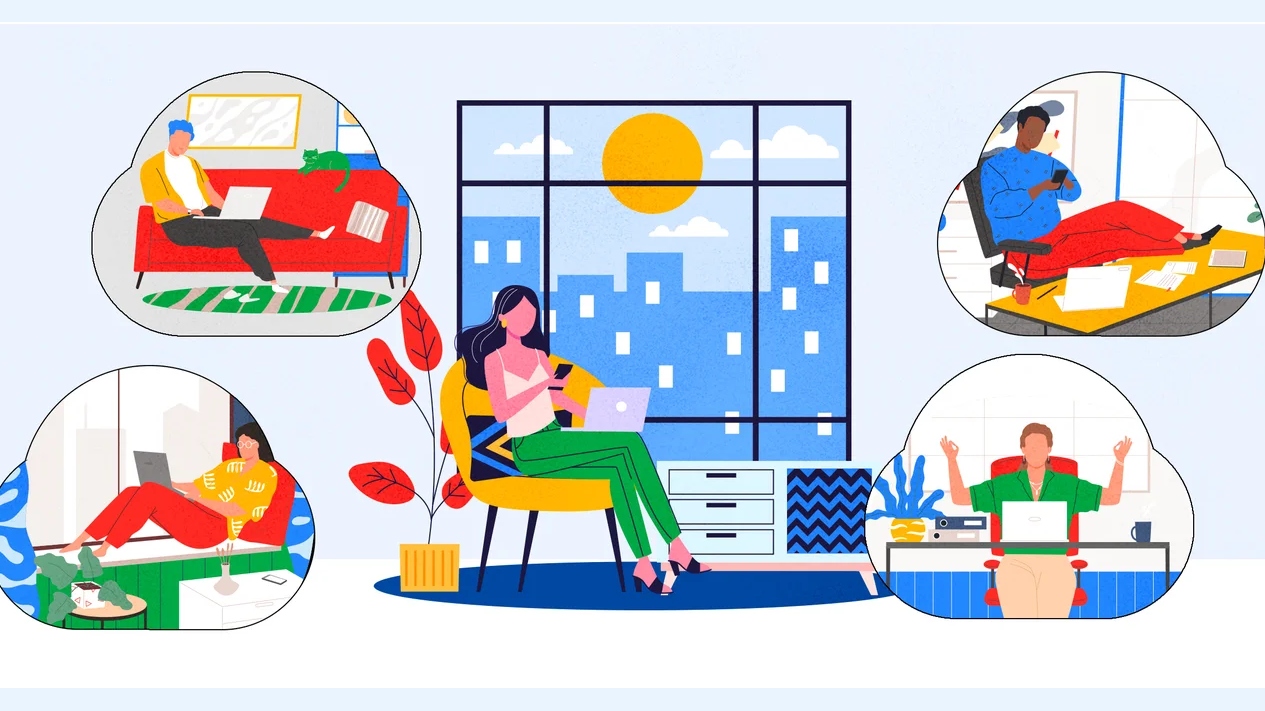
Photo Credit: Google
Hosts can also admit or deny participants and move attendees back to the waiting room if needed
Click Here to Add Gadgets360 As A Trusted Source

Advertisement
Google has added a new waiting rooms feature to Google Meet, allowing hosts to manage participant entry more securely. This virtual space lets participants wait until the host admits them into the meeting, giving hosts more control over meeting flow and helping protect the privacy of users. Participants in the waiting rooms will get a message when they're in the right place. The feature is off by default and must be enabled manually. The latest feature aims to protect the privacy of participants in Google Meet, especially for sensitive discussions.
Google Meet Lets Hosts Prevent 'Zoombombing' Using Waiting Rooms
The company announced the addition of waiting rooms in Google Meet on Thursday. The feature allows hosts or co-hosts to place participants in a waiting room before they're admitted to the call. This helps in preventing unwanted interruptions like 'Zoombombing' during meetings and gives hosts time to prepare before letting participants in.
With the latest update, hosts and co-hosts can enable waiting rooms before meetings begin, ensuring more organised discussions. They can also admit or deny participants and move attendees back to the waiting room if needed. The feature also allows hosts to send one-way announcements to those waiting, making it ideal for interviews, parent-teacher conferences and other sensitive discussions.
How to Create a Waiting Room for a Meeting
When scheduling a meeting in Google Calendar, users can enable the waiting room by following these steps:
- Head to Calendar and select Create>Event.
- Add a title to the event, enter details, and tap More Options.
- In the Event details tab, click Add Google Meet video conferencing and Video call options.
- Turn on the Waiting Room.
- At the bottom, click Save and then Save.
Google Meet users can send messages to participants in the waiting room by clicking Chat> select Waiting room at the 'to' field> Enter message and tap Send.
Hosts can move participants between the waiting room and main room by clicking the People tab after joining the meeting.
Participants in the waiting room in Google Meet will see a message confirming they're in the right place and will join the call soon. As mentioned, by default, the waiting room feature will be turned off for end users. However, admins can change the default setting at the domain, organisational unit (OU), or group level.
The rollout of the new functionality started on October 23, and it is confirmed to be available to all users within 15 days. Business Standard, Business Plus, Enterprise Essentials, Enterprise Standard, Enterprise Plus, Enterprise Essentials, Enterprise Essentials Plus, Education Plus, and Google Workspace Individual accounts are confirmed to get this update.
Comments
Get your daily dose of tech news, reviews, and insights, in under 80 characters on Gadgets 360 Turbo. Connect with fellow tech lovers on our Forum. Follow us on X, Facebook, WhatsApp, Threads and Google News for instant updates. Catch all the action on our YouTube channel.
Further reading:
Google Meet, Google Meet Update, Google Meet Features, Google, Google Meet Waiting Rooms
Related Stories



Advertisement
Follow Us




-
![[Sponsored] LG NANO 4K UHD AI TV NU885: Gemini Search, Dolby Atmos & 5 Years of Updates](https://www.gadgets360.com/static/desktop/images/spacer.png)
04:17
[Sponsored] LG NANO 4K UHD AI TV NU885: Gemini Search, Dolby Atmos & 5 Years of Updates -
00:57
[Sponsored] Samsung Galaxy Z Fold8 My Fan Cam in Action: Find the Moment, Then Share It -
01:41
[Sponsored] What Do You Need To Know Before Your Next Run? | Samsung Galaxy Watch Ultra2 -
01:32
[Sponsored] Big Day Tomorrow? Prep Today | Samsung Galaxy Watch Ultra2 -
04:37
[Sponsored]: CP PLUS CarKam CP-F89B: 4K Dashcam With Rear Camera, GPS & Emergency Recording
Advertisement
Popular on Gadgets
- Samsung Galaxy S26 Ultra
- Motorola Razr Fold
- ChatGPT
- OPPO Find N6
- Mobiles Under Rs. 40,000
- Vivo X300 Ultra
- Asus Zenbook S14
- iQOO 15
- Vivo X300 Pro
- Lenovo Yoga Slim 7i Aura Edition
- iQOO 15R
- Vivo X Fold 5
- Sony PlayStation 5
- HP OmniPad 12
- OnePlus Nord CE 6 Lite
- OnePlus Pad 4
- OPPO F33 Pro 5G
- Cryptocurrency
- HP OmniBook Ultra 14 (2026)
- iPhone 17
- Eureka Forbes AP 355 Room Air Purifier
- Latest Mobile Phones
- Compare Phones
Latest Gadgets
- Lava Aura Curve
- Poco X8s
- Samsung Galaxy F70 5G
- Tecno Spark 50S 5G
- Vivo Y600s Pro
- Vivo Y32 (2026)
- Infinix Smart 20 HD
- Vivo V80
- HP ZBook Ultra G3a
- Dell Pro Rugged 14
- Amazon Alexa Tablet 8
- Amazon Alexa Tablet 11
- Pebble Qore 2
- Amazfit T-Rex Dual Solar
- Toshiba 65-Inch 4K Ultra HD Smart Mini LED QLED TV (65Z670SP)
- Haier M70 Mini LED 65-inch
- Acer Predator Atlas 8
- Asus ROG Ally
- Blue Star 1.5 Ton 5 Star Inverter Split AC (IE518ZNURS)
- Blue Star 2 Ton 3 Star Inverter Window AC (WIE324L)

- About Us
- Sitemaps
- Feedback
- Archives
- Contact Us
- RSS
- Advertise
- Career
- Privacy Policy
- Ethics
- Editorial Policy
- Terms & Conditions
- Complaint Redressal
Download Our Apps
Available in Hindi
© Copyright Red Pixels Ventures Limited 2026. All rights reserved.