-
 How Apple Uses the Hinge to Cool the iPhone Duo14 October 2026
 -
Apple Plans ‘Big’ iPhone Duo Retail Push Ahead of October 23 Sale, Report Says12 October 2026
-
Amazon Great Indian Festival 2026: Best Premium Smartphone Deals Under Rs 80,00010 October 2026
-
Amazon Great Indian Festival 2026: iPhone 16, iPhone 17e Get Discounts9 October 2026
-
Amazon Great Indian Festival Smartphone Deals: Samsung Galaxy S25 Ultra, iPhone 16 Get Big Discounts7 October 2026
- Home
- How to
- How to Features
- How to Transfer Contacts From Android to iPhone: A Step by Step Guide
How to Transfer Contacts From Android to iPhone: A Step-by-Step Guide
Users can transfer saved contacts from an Android phone to a new iPhone via multiple methods.
Written by Dhruv Raghav, Edited by Rohan Pal | Updated: 29 August 2026 08:00 IST
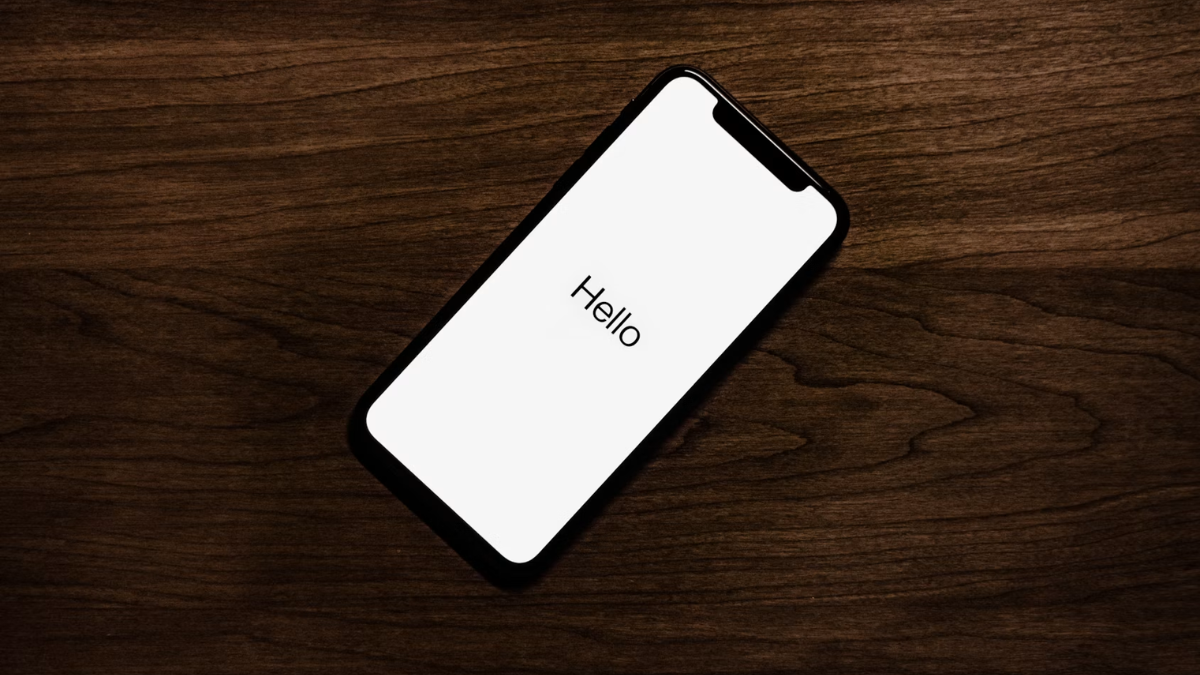
Photo Credit: Unsplash/ Tyler Lastovich
Here's how you can transfer contacts from Android to iPhone
Click Here to Add Gadgets360 As A Trusted Source

Advertisement
Migrating from an Android to an Apple device could be a hassle for many people. However, over the years, both Google and Apple have made it easier for users to move from one device ecosystem to another. In 2015, Apple launched its first Android app, namely Move to iOS, which allows users to transfer their data from an Android phone to their iPhone. The app comes in handy when users are setting up their new iPhone while moving from an Android handset. However, users can also transfer their apps, contacts, and other files from an Android phone to an iPhone after they are done setting up their new iPhone.
If you are migrating from an Android smartphone to a new iPhone, we have prepared a step-by-step guide to help you easily transfer your contacts from Android to iPhone.
- iPhone Air 2 Tipped to Feature Bigger Battery, Dual Rear Cameras
- iPhone 18 Pro Could Cost Up to Rs. 1.7 Lakh
- iPhone Ultra reportedly becoming more repairable sounds like a big shift
- iPhone location lag after the latest ChatGPT update?
- iPhone battery draining faster after update, anyone else facing this?
How to Transfer Contacts From Android to iPhone via the Move to iOS App
- Turn on Wi-Fi on your old Android phone.
- From the Google Play Store, download the Move to iOS app.
- Open the Move to iOS app > tap Continue > click on the Agree button to continue.
- Now, click on Automatically Send.
- Tap Continue and turn on Location permissions, if required.
- Click on Continue and follow the on-screen instructions.
- Now, boot up your new iPhone.
- Follow the on-screen setup instructions.
- On the Quick Start screen, click on the Set Up Without Another Apple Device button > continue to follow on-screen instructions.
- Now, on the Transfer Your Apps & Data screen, tap on the From Android option.
- A code will appear on your iPhone. Now, move to your Android phone and enter the same code as seen on your new iPhone's screen.
- Your iPhone will ask you to create a temporary Wi-Fi network. Tap on *Connect.
- A new data transfer screen will appear. Here, select the content you wish to transfer to your iPhone. You must select Contacts if you want to transfer them, too.
- Now, continue setting up your iPhone by following the on-screen instructions.
- Once the transfer is complete, all your contacts that were saved on your Android phone will appear on your new iPhone.
How to Transfer Contacts From Android to iPhone by Syncing Your Google Account
- To transfer contacts from your Android phone to your new iPhone, which has already been set up, you must open the Contacts app on your Android handset.
- Then, tap on the three horizontal lines in the top-left corner of the screen.
- Here, click on the Manage Contacts button.
- Now, tap on Move Contacts.
- On the From screen, select Phone or SIM.
- Click on the Select All button in the top-left corner of the screen > tap Done.
- On the To screen, tap on the Google account you wish to sync your contacts with > click on Move.
- Once done, keep your Android phone aside and move to your iPhone.
- On your iPhone, open the Settings app.
- Scroll down to the Mail settings menu and open it.
- Click on Account > Add Account > enter the credentials of the same Google account as your Android phone.
- Follow the on-screen instructions till you reach the Gmail screen. Here, enable Contacts.
- Now, click on the Keep on My iPhone button > tap on Save.
- Once done, your contacts will appear in the Phone app of your iPhone.
FAQs
1. Where can I download the Move to iOS app from on my Android phone?
The Move to iOS app is available via the Google Play Store. You can also download it by scanning QR code while setting up your iPhone.
2. Can I transfer my contacts from my Android phone to an iPhone that has already been set up?
Yes, you can transfer your contacts from an Android phone to an iPhone that has been set up by syncing your contacts with your Google account.
3. Can I transfer contacts from an Android phone to an iPhone if my Android phone's Wi-Fi is not working?
Yes, you can transfer your contacts from an Android phone to an iPhone using a USB Type-C to USB Type-C cable.
Comments
Get your daily dose of tech news, reviews, and insights, in under 80 characters on Gadgets 360 Turbo. Connect with fellow tech lovers on our Forum. Follow us on X, Facebook, WhatsApp, Threads and Google News for instant updates. Catch all the action on our YouTube channel.
Related Stories


Advertisement
Follow Us




-
![[Sponsored]: CP PLUS CarKam CP-F89B: 4K Dashcam With Rear Camera, GPS & Emergency Recording](https://www.gadgets360.com/static/desktop/images/spacer.png)
04:37
[Sponsored]: CP PLUS CarKam CP-F89B: 4K Dashcam With Rear Camera, GPS & Emergency Recording -
04:23
[Partner Content] Your Phone Can Do WAY More Than You Think | OPPO ColorOS 16 -
01:59
Samsung Galaxy Z Fold8 Ultra: Unfold the Ultra Night -
03:24
Apple Pay Launches In India: Supported Devices, Cards And Payments Explained -
00:21
[Sponsored] Samsung Galaxy Z Fold8, Fold8 Ultra
-
एक चार्ज में 1008km रेंज, 9 मिनट में होगी फास्ट चार्ज! BYD Da Han लॉन्च
-
Samsung Galaxy A56 vs Motorola Edge 70 Fusion Deal: 30 हजार में क्या लें
-
Apple का 7 इंच स्क्रीन वाला AI डिवाइस लॉन्च, करेगा बात और चलाएगा गाने!
-
Amazon Great Indian Festival Sale 2026: ₹35 हजार में OnePlus का 8000mAh बैटरी, Snapdragon चिप वाला फोन
-
OnePlus 16 vs OnePlus 15: पिछले साल आए मॉडल से कितना है बेहतर?
Advertisement
Popular on Gadgets
- Samsung Galaxy S26 Ultra
- Motorola Razr Fold
- ChatGPT
- OPPO Find N6
- Mobiles Under Rs. 40,000
- Vivo X300 Ultra
- Asus Zenbook S14
- iQOO 15
- Vivo X300 Pro
- Lenovo Yoga Slim 7i Aura Edition
- iQOO 15R
- Vivo X Fold 5
- Sony PlayStation 5
- HP OmniPad 12
- OnePlus Nord CE 6 Lite
- OnePlus Pad 4
- OPPO F33 Pro 5G
- Cryptocurrency
- HP OmniBook Ultra 14 (2026)
- iPhone 17
- Eureka Forbes AP 355 Room Air Purifier
- Latest Mobile Phones
- Compare Phones
Latest Gadgets
- Vivo Y600s Pro
- Vivo Y32 (2026)
- Infinix Smart 20 HD
- Vivo V80
- Vivo S2 FE
- Vivo Y600K Turbo
- Realme P4s Lite
- Vivo S60t
- Dell Pro Rugged 14
- Dell Pro Rugged 13 Extreme
- Amazon Alexa Tablet 8
- Amazon Alexa Tablet 11
- Amazfit T-Rex Dual Solar
- OPPO Watch S2
- Toshiba 65-Inch 4K Ultra HD Smart Mini LED QLED TV (65Z670SP)
- Haier M70 Mini LED 65-inch
- Acer Predator Atlas 8
- Asus ROG Ally
- Blue Star 1.5 Ton 5 Star Inverter Split AC (IE518ZNURS)
- Blue Star 2 Ton 3 Star Inverter Window AC (WIE324L)

- About Us
- Sitemaps
- Feedback
- Archives
- Contact Us
- RSS
- Advertise
- Career
- Privacy Policy
- Ethics
- Editorial Policy
- Terms & Conditions
- Complaint Redressal
Download Our Apps
Available in Hindi
© Copyright Red Pixels Ventures Limited 2026. All rights reserved.